
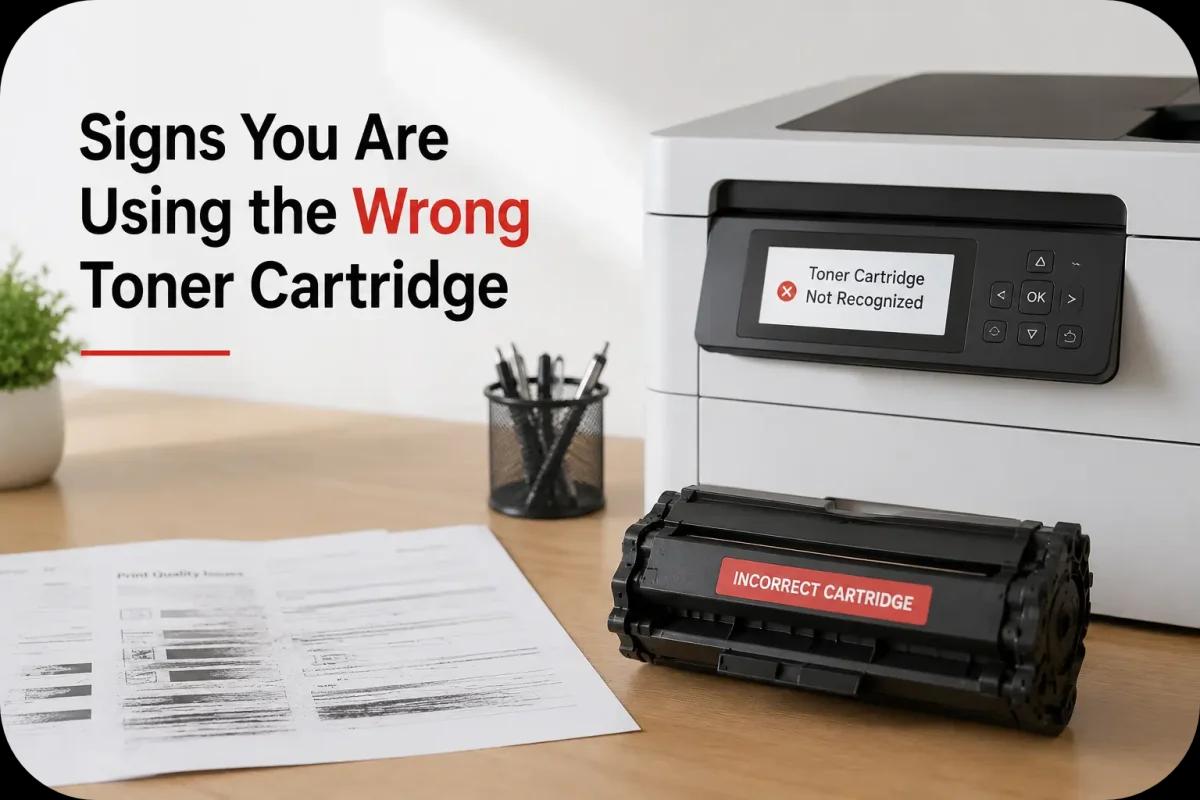
Signs You Are Using the Wrong Toner Cartridge
Using the correct toner cartridge is essential for maintaining good print quality and protecting your printer from unnecessary problems. However, many users accidentally install the wrong toner cartridge without realizing it at first. Whether the cartridge is incompatible, incorrectly labeled, or designed for a different printer model, using the wrong toner cartridge can lead to frustrating printing issues and expensive repairs.
Modern laser printers are designed to work with specific toner cartridges that match the printer’s hardware, firmware, and toner requirements. When the wrong cartridge is installed, the printer may struggle to function properly, affecting both performance and reliability.
Understanding the warning signs can help you identify cartridge compatibility problems early and prevent long term printer damage.
Why Using the Wrong Toner Cartridge Causes Problems?
Toner cartridges are not universal. Every printer model is designed to work with cartridges that meet specific technical requirements.
Using the wrong toner cartridge may lead to:
- Poor print quality
- Cartridge recognition errors
- Toner leaks
- Printer overheating
- Frequent paper jams
- Internal component damage
Even if the cartridge physically fits inside the printer, it may still not function correctly if it is incompatible.
Common Signs You Are Using the Wrong Toner Cartridge
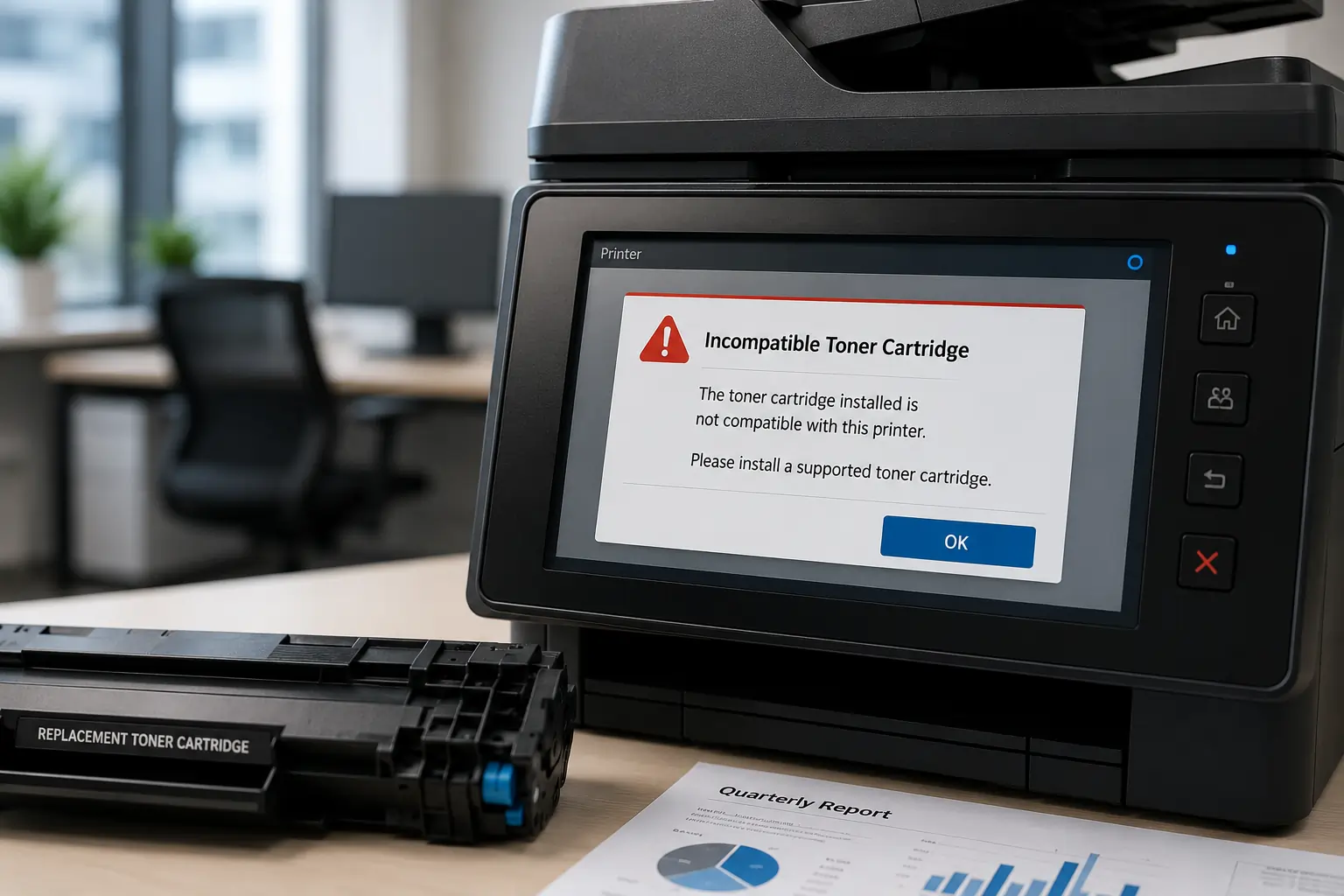
Several warning signs may indicate that your printer is using an incorrect toner cartridge.
Printer Displays Cartridge Error Messages
One of the most common signs is a printer notification such as:
- “Incompatible Toner Cartridge”
- “Cartridge Not Recognized”
- “Unsupported Cartridge”
- “Install Correct Toner”
Modern printers use cartridge chips to verify compatibility before printing.
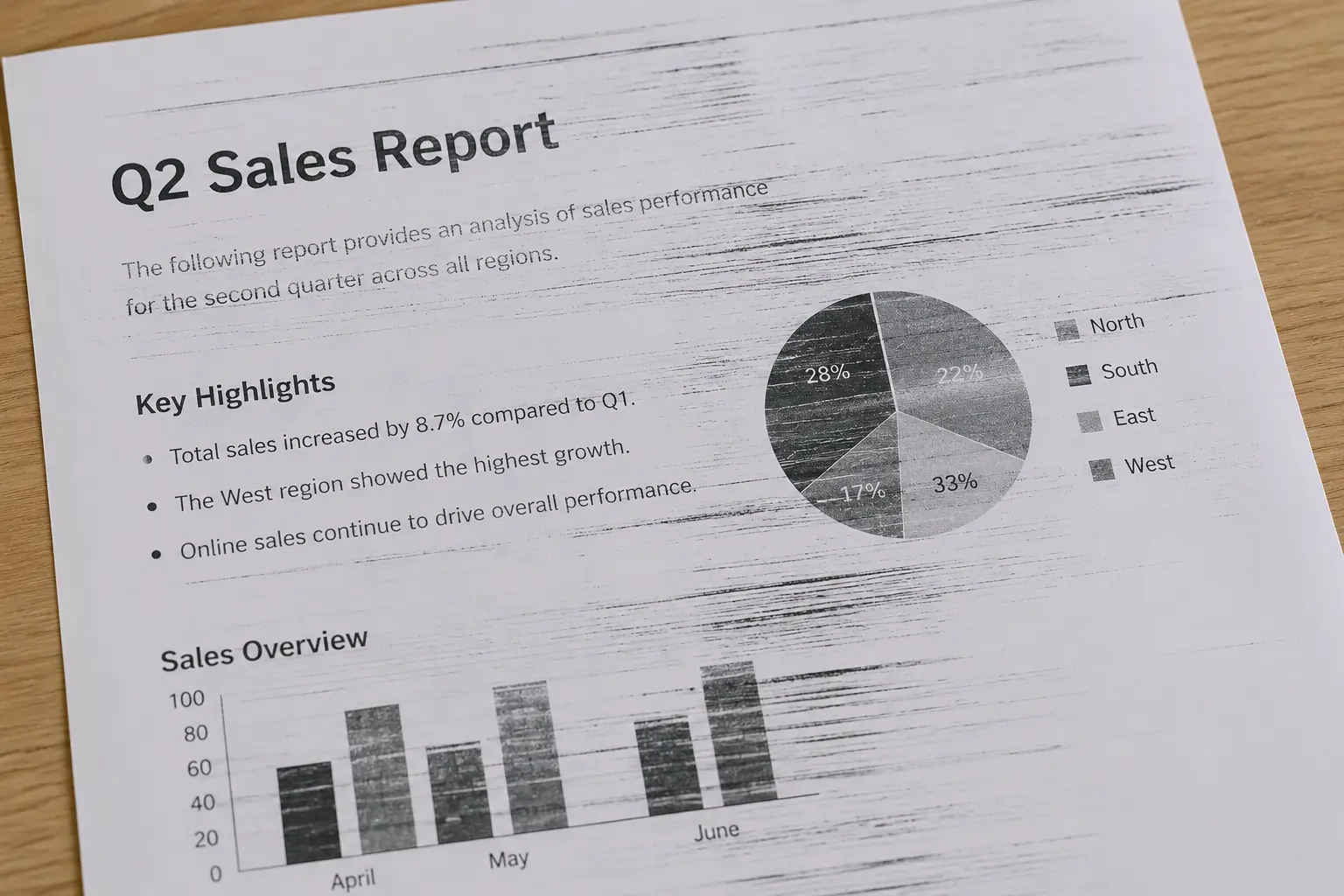
Poor Print Quality
Incorrect toner cartridges often produce:
- Faded prints
- Streaks or lines
- Smudged toner
- Uneven text density
- Blurry graphics
This happens because the toner formula may not match the printer’s required specifications.
Frequent Paper Jams
Improper toner distribution can interfere with paper movement and increase the risk of jams.
Toner Leakage Inside the Printer
Wrong cartridges may not align properly with printer components, leading to toner spills and internal contamination.
Unusual Printer Noises
Grinding, clicking, or unusual mechanical sounds may occur when incompatible cartridges affect internal printer operation.
How the Wrong Toner Cartridge Affects Printer Performance?
Using incompatible cartridges can impact more than just print quality.
Increased Wear on Printer Components
Incorrect toner particles can damage sensitive components such as:
- Drum units
- Rollers
- Fuser assemblies
- Toner sensors
Reduced Printing Efficiency
Printers may slow down or repeatedly pause due to cartridge communication errors.
Higher Maintenance Costs
Frequent cleaning, repairs, and part replacements can increase operating expenses over time.
Businesses that rely heavily on printing should always use properly compatible toner cartridges to avoid unnecessary downtime.
Why Toner Cartridge Compatibility Matters?
Every laser printer is engineered for specific toner properties, including:
- Toner particle size
- Melting temperature
- Cartridge dimensions
- Chip communication systems
Using incompatible cartridges can disrupt the entire printing process.
Trusted suppliers like Toner Connect provide toner cartridges designed to work with a wide range of printer brands and models, helping users reduce compatibility issues and maintain reliable print performance.
Common Causes of Wrong Toner Cartridge Purchases
Many users accidentally purchase the wrong toner cartridge due to simple mistakes.
Similar Cartridge Model Numbers
Some cartridge model numbers differ by only a few characters, making ordering mistakes easy.
Buying from Unverified Sellers
Unreliable sellers may incorrectly label cartridges or provide incomplete compatibility information.
Printer Firmware Updates
Some printer updates may affect compatible cartridge recognition.
Confusing Ink and Toner Products
Users sometimes mistakenly purchase ink cartridges instead of toner cartridges for laser printers.
Carefully checking your printer model before purchasing toner can help prevent these issues.
How to Avoid Using the Wrong Toner Cartridge?
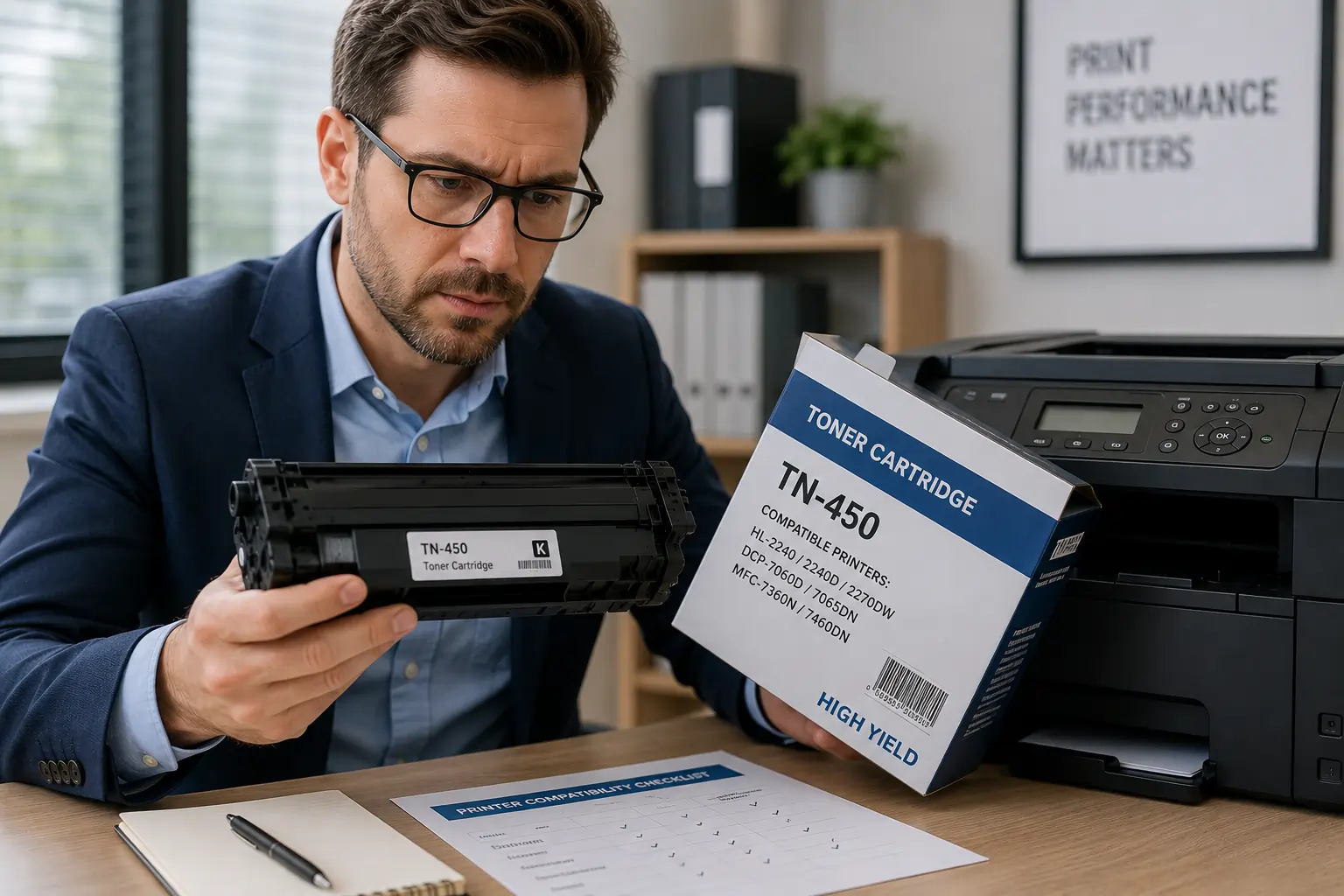
Verify Printer Model Information
Always match the cartridge model with your exact printer model number.
Buy from Trusted Suppliers
Reliable toner suppliers provide accurate compatibility details and customer support.
Check Product Packaging Carefully
Review cartridge labels, packaging information, and compatibility lists before installation.
Use Manufacturer Compatibility Tools
Many printer manufacturers offer online compatibility checkers.
Keep Old Cartridge Information
Saving the previous cartridge model number can make future replacements easier and more accurate.
OEM vs Compatible Toner Cartridges
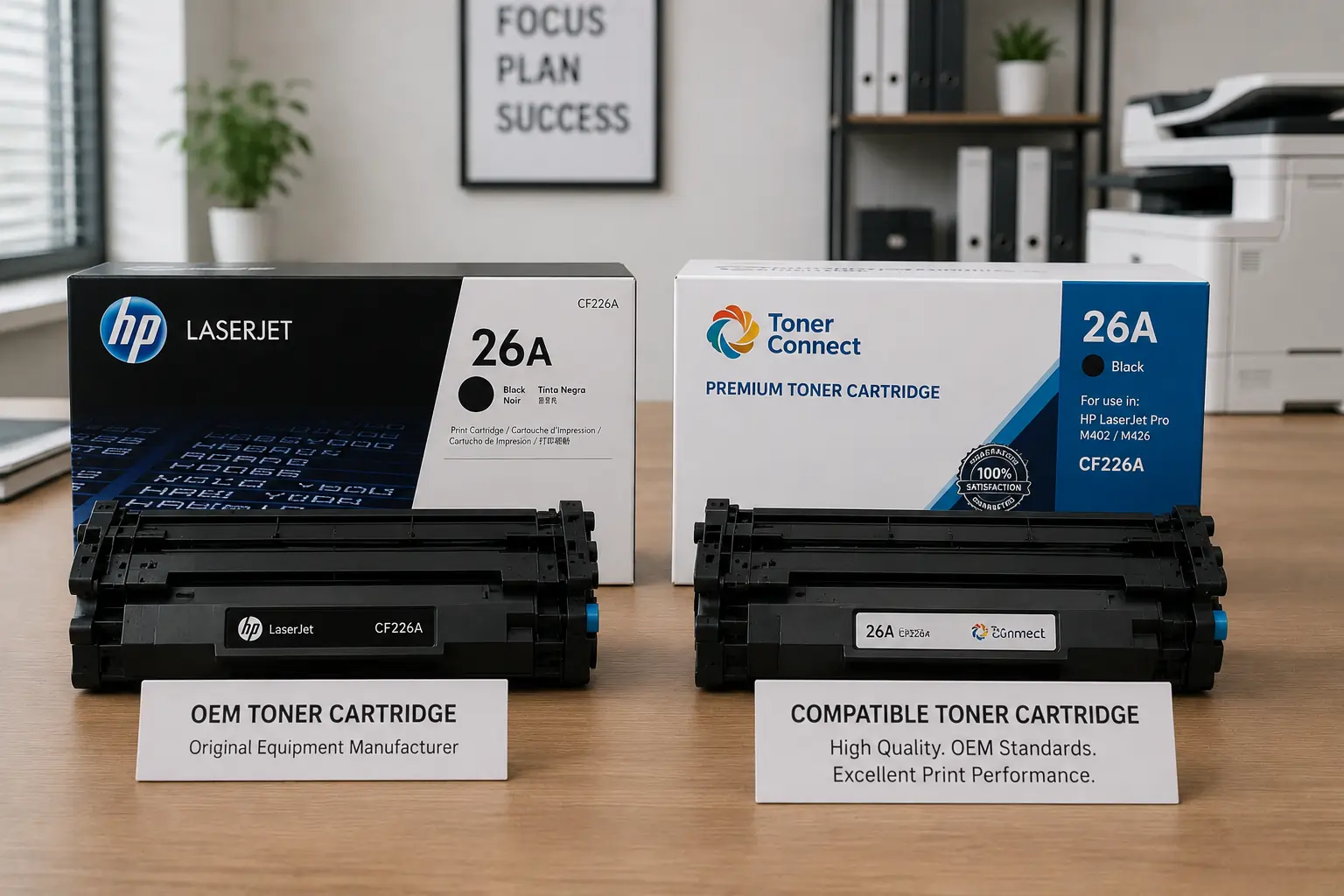
Many businesses choose between OEM and compatible toner cartridges.
OEM Cartridges
OEM cartridges are manufactured by the printer brand itself.
Advantages:
- Guaranteed compatibility
- Reliable performance
- Full manufacturer support
Compatible Cartridges
Compatible cartridges are produced by third party manufacturers.
Advantages:
- Lower cost
- Wide availability
- Competitive print quality
Reliable compatible cartridges from trusted suppliers can perform well without causing compatibility problems.
What to Do If You Installed the Wrong Toner Cartridge?
If you suspect the cartridge is incorrect:
- Stop printing immediately
- Remove the cartridge carefully
- Clean any loose toner if necessary
- Verify the cartridge model number
- Install the correct cartridge
- Restart the printer
Continuing to use an incompatible cartridge may increase the risk of printer damage.
According to HP and Brother printer support resources, using the correct toner cartridge is essential for maintaining print quality and printer reliability.
Conclusion
Using the wrong toner cartridge can lead to serious printing problems, from poor print quality and toner leaks to printer damage and increased maintenance costs. Recognizing the warning signs early helps prevent long term issues and keeps your printer operating efficiently. By purchasing toner cartridges from trusted suppliers and carefully verifying compatibility, users can maintain reliable print performance while protecting their printers from unnecessary problems.