
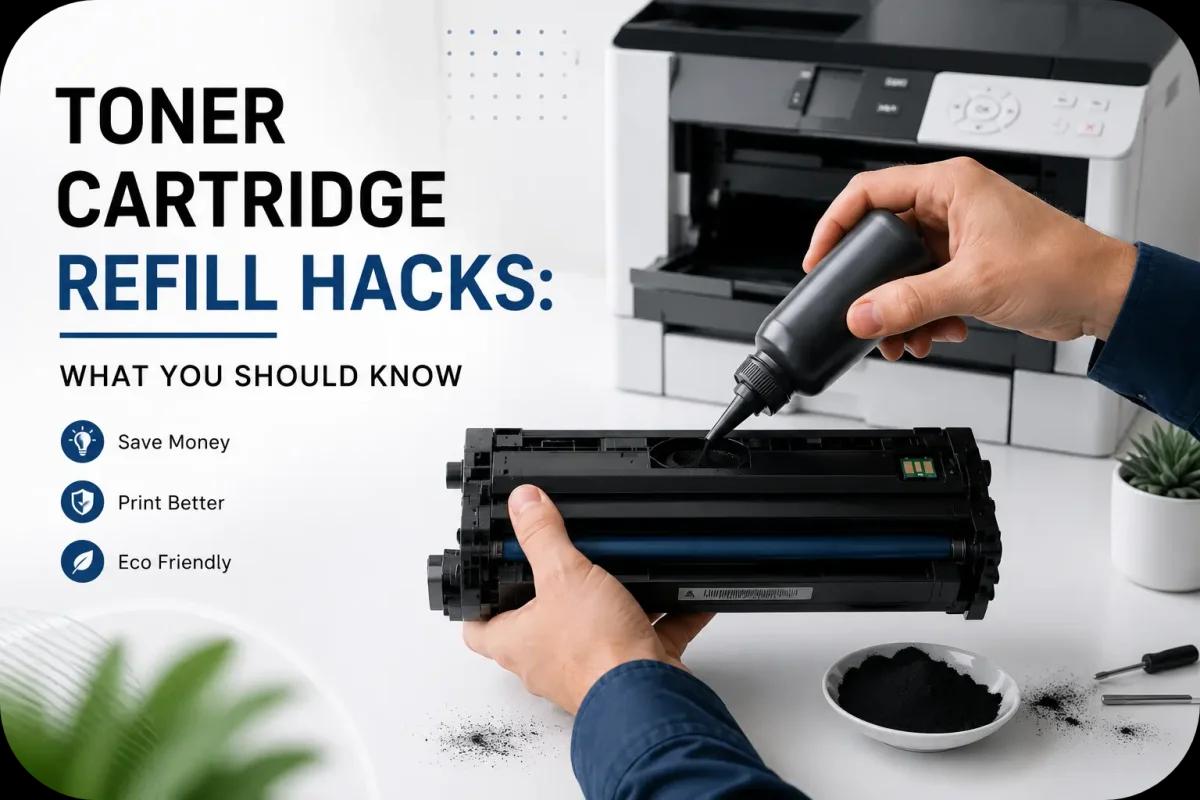
Toner Cartridge Refill Hacks: What You Should Know
Refilling toner cartridges has become a popular way for businesses and home users to reduce printing costs and minimize waste. While buying new toner cartridges is convenient, refilling existing cartridges can often provide significant savings when done correctly. However, toner cartridge refilling also comes with challenges that many beginners overlook.
Without proper handling, refilled cartridges may lead to toner leaks, print quality issues, or printer damage. Fortunately, understanding a few toner cartridge refill hacks can help users improve refill success while extending cartridge lifespan and maintaining reliable printing performance.
Whether you are considering DIY toner refills or evaluating refill services, this guide explains what you should know before refilling toner cartridges.
Why People Refill Toner Cartridges?
Many users choose toner refilling for both financial and environmental reasons.
Lower Printing Costs
Refilling toner cartridges often costs less than buying brand new OEM cartridges.
Reduced Office Waste
Refilling helps reduce:
- Plastic waste
- Cartridge disposal
- Manufacturing demand
Extended Cartridge Lifespan
Properly maintained cartridges may support multiple refill cycles before replacement becomes necessary.
As a result, toner refilling continues growing among businesses and budget conscious users.
Not Every Toner Cartridge Is Ideal for Refilling
One of the most important refill hacks is understanding cartridge compatibility.
Some Cartridges Refill More Easily Than Others
Older toner cartridge models often:
- Have simpler designs
- Use fewer smart chip restrictions
- Allow easier toner access
Smart Chip Limitations
Many modern cartridges contain chips that:
- Monitor toner levels
- Track usage
- Restrict refill recognition
Because of this, some printers may still display low toner warnings after refilling.
Cartridge Condition Matters
Damaged cartridges with:
- Worn drums
- Cracked housing
- Faulty rollers
may not refill successfully.
Therefore, cartridge inspection is important before attempting refills.
Use the Correct Toner Powder
Not all toner powder works the same.
Toner Formulas Vary by Printer Model
Different printers require specific toner formulas based on:
- Particle size
- Electrical charge
- Melting temperature
Incorrect Toner May Cause Problems
Using the wrong toner may lead to:
- Poor print quality
- Toner leaks
- Printer damage
- Smudging
- Fuser problems
Because of this, always use toner designed specifically for your printer model.
Wear Protective Equipment During Refilling
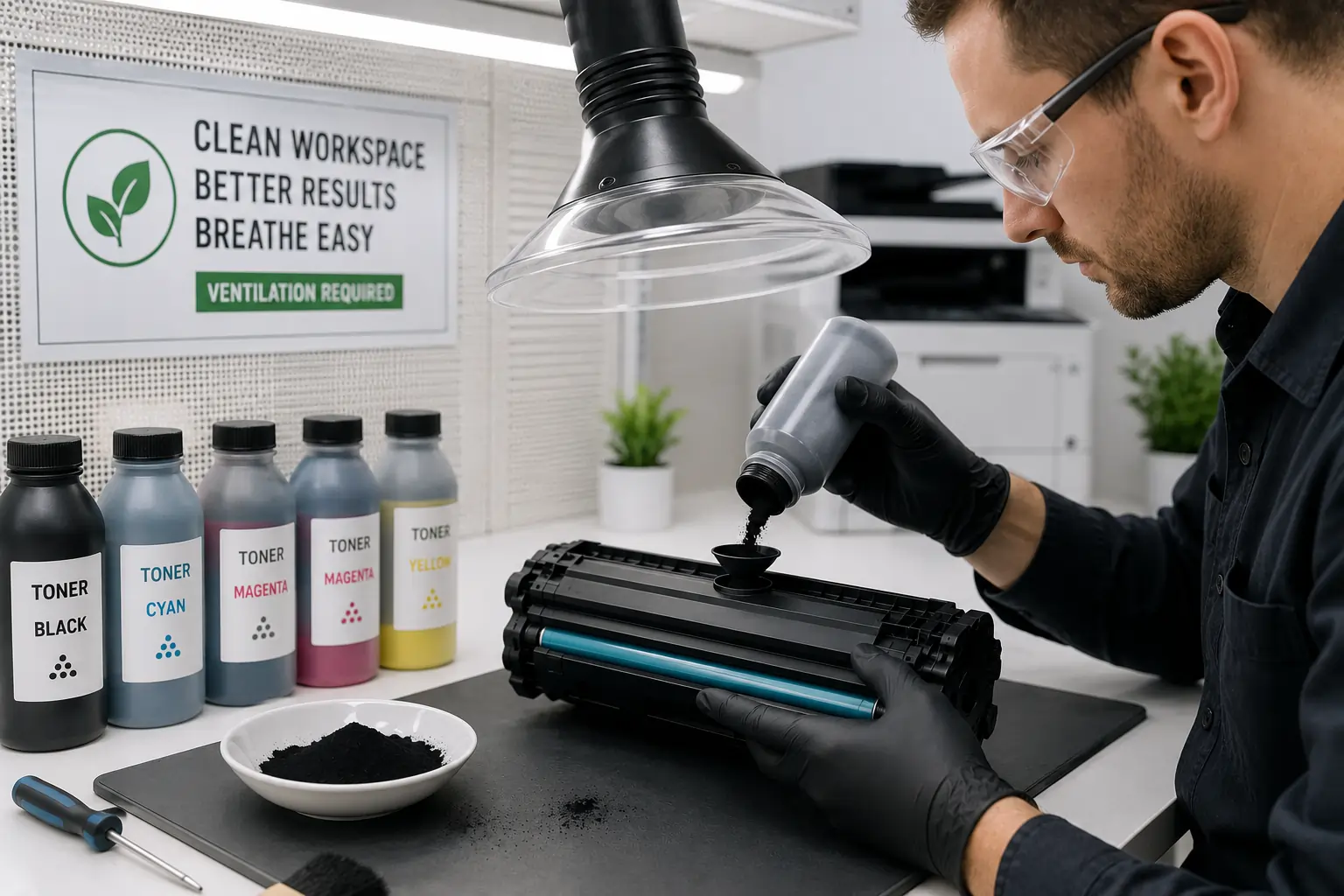
Toner powder is extremely fine and can spread easily during refilling.
Recommended Safety Precautions
When refilling toner cartridges:
- Wear disposable gloves
- Use a dust mask if needed
- Work in a ventilated area
- Protect nearby surfaces
Avoid Direct Contact with Toner
Loose toner powder may stain:
- Clothing
- Furniture
- Work surfaces
Therefore, preparation helps reduce cleanup problems.
Clean the Cartridge Before Refilling
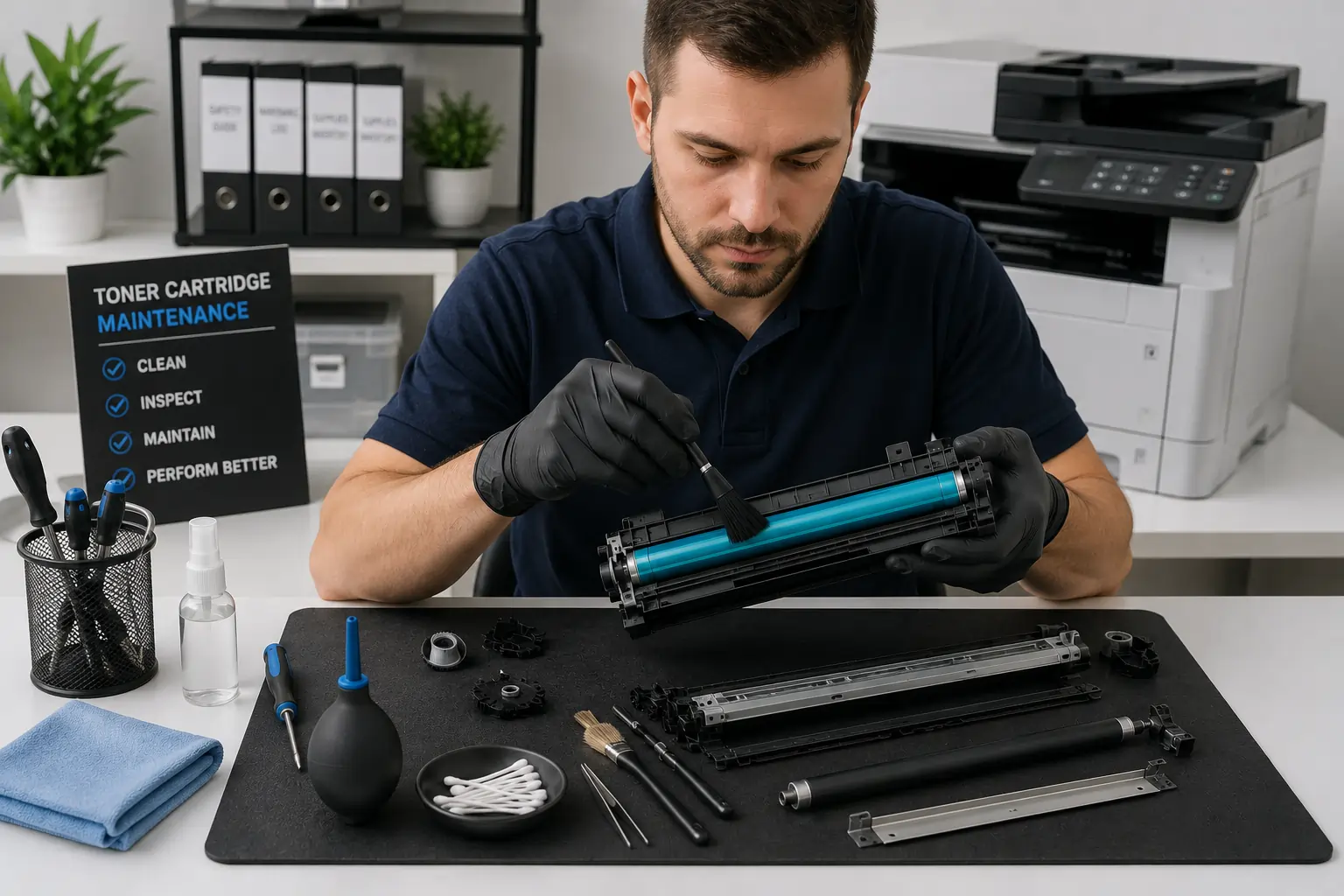
A clean cartridge performs more reliably after refilling.
Remove Excess Waste Toner
Old toner buildup may affect:
- Toner flow
- Print quality
- Cartridge efficiency
Inspect Internal Components
Check for:
- Damaged seals
- Worn rollers
- Drum scratches
- Toner residue buildup
Regular cleaning helps improve refill performance and reduce print defects.
Don’t Overfill the Cartridge
One of the most common refill mistakes is adding too much toner.
Overfilling May Cause:
- Toner leaks
- Internal pressure problems
- Smudging
- Printer contamination
Follow Recommended Toner Capacity
Using the correct toner amount helps maintain proper cartridge performance.
As a result, careful refilling improves reliability and reduces maintenance issues.
Replace Worn Components When Necessary
Toner refilling does not automatically restore worn internal parts.
Components That May Wear Out
Over time, cartridges may develop issues with:
- Drum units
- Wiper blades
- Rollers
- Seals
Rebuild vs Refill
Some cartridges require partial rebuilding instead of simple toner refilling alone.
Because of this, users should monitor print quality closely after multiple refill cycles.
Test Print After Refilling
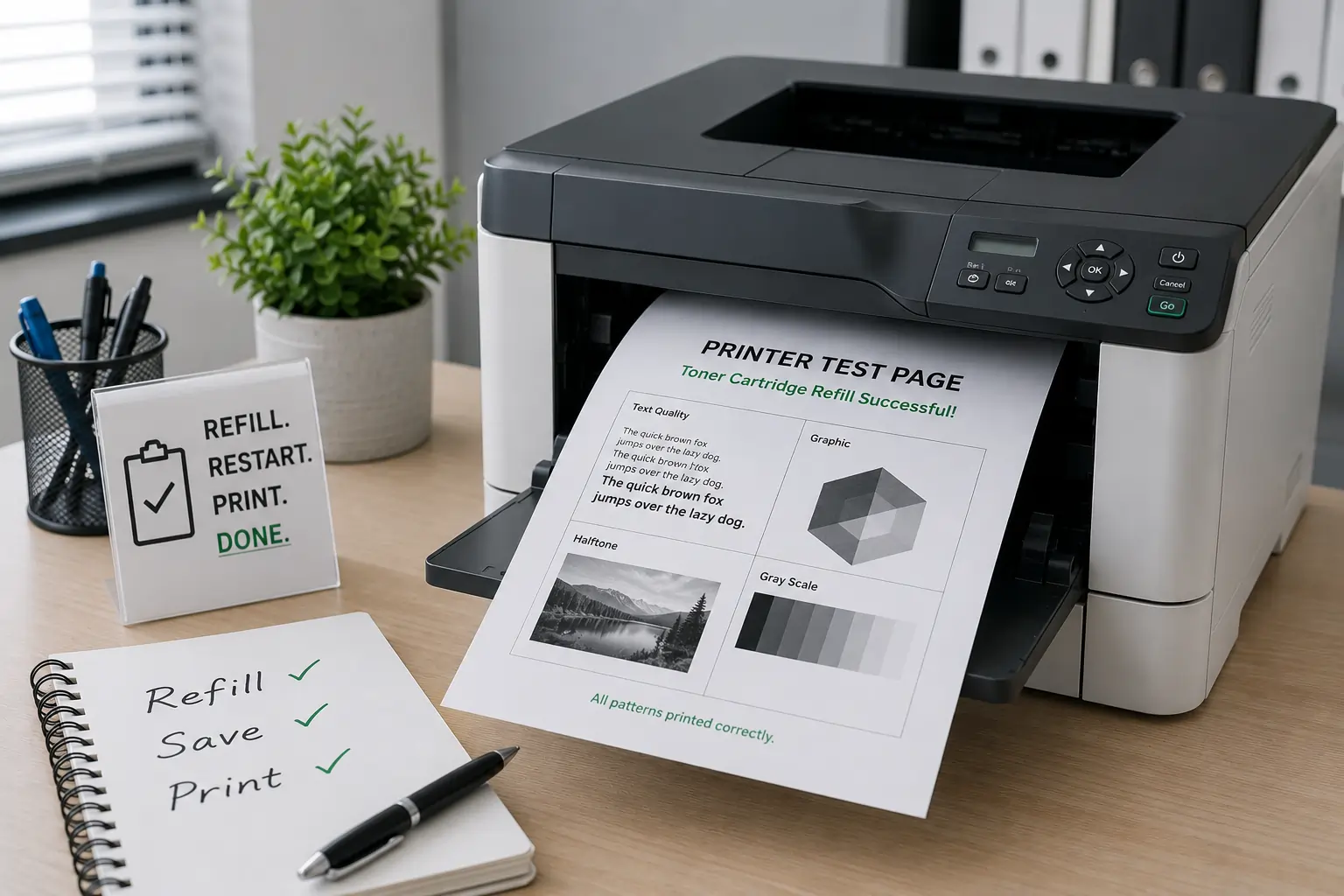
Always perform test prints after refilling toner cartridges.
Check for Common Print Problems
Look for:
- Streaks
- Faded prints
- Toner smudges
- Uneven toner coverage
Verify Printer Recognition
Some printers may require:
- Chip resets
- Cartridge reinsertion
- Printer calibration
Therefore, early testing helps identify refill issues before large print jobs begin.
Businesses and home users looking for dependable toner cartridge solutions can explore products from Toner Connect.
Toner Cartridge Refill Pros and Cons
Refilling offers both advantages and limitations.
Benefits of Refilling
Refilling may help:
- Reduce printing costs
- Lower cartridge waste
- Support sustainability
- Extend cartridge lifespan
Potential Drawbacks
However, refilling may also:
- Require technical skill
- Create toner messes
- Produce inconsistent print quality
- Trigger printer warnings
As a result, refill success often depends on cartridge quality and refill technique.
Common Toner Cartridge Refill Mistakes
Beginners often make avoidable refill errors.
Using Incorrect Toner Powder
Wrong toner formulas may damage printers.
Ignoring Worn Components
Refilling damaged cartridges may not solve print quality problems.
Overfilling the Cartridge
Too much toner increases leak risks.
Skipping Cleaning Steps
Dirty cartridges may create smudges and toner buildup.
Therefore, careful preparation is essential for successful refilling.
Modern Printers and Refill Challenges
Modern laser printers continue evolving with:
- Smart toner chips
- Cartridge authentication systems
- Advanced monitoring technology
These systems improve printer management but sometimes complicate third party refill attempts.
According to HP and Brother printer support resources, proper cartridge handling and compatible toner usage remain important for maintaining printer reliability and print quality.
Conclusion
Toner cartridge refilling can help businesses and home users reduce printing costs while supporting more sustainable printing practices. However, successful refilling requires proper toner selection, careful handling, cartridge cleaning, and attention to worn components. By following smart toner cartridge refill hacks, users can improve print quality, extend cartridge lifespan, and reduce common refill related problems over time.