
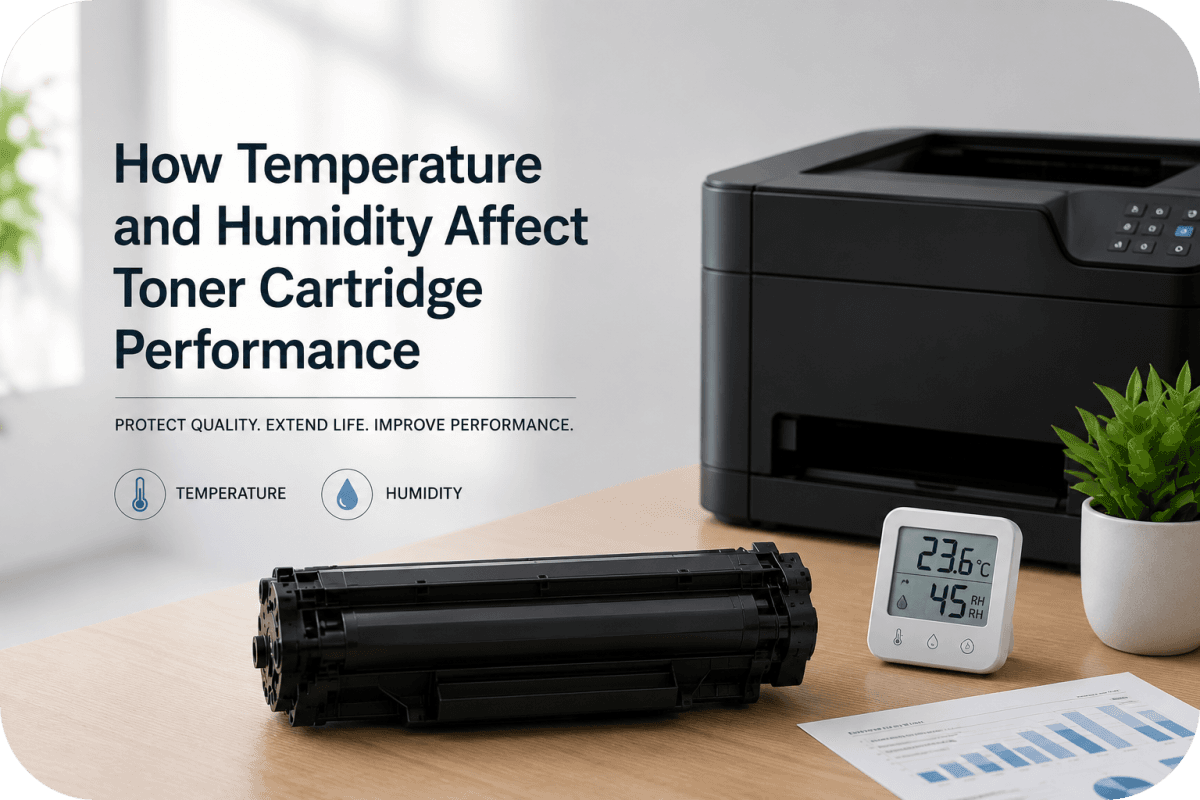
How Temperature and Humidity Affect Toner Cartridge Performance?
Toner cartridges are designed to deliver clean, sharp, and consistent prints, but environmental conditions can significantly impact how well they perform. Many printer users don’t realize that temperature and humidity levels can directly affect toner quality, print clarity, cartridge lifespan, and even printer reliability.
Whether you print occasionally at home or operate a busy office printer, understanding how climate conditions affect toner cartridge performance can help you avoid faded prints, toner clumping, smudging, and unnecessary cartridge replacements.
In this guide, we’ll explore how temperature and humidity influence toner cartridges and what you can do to protect your printing equipment.
Why Environmental Conditions Matter for Toner Cartridges?
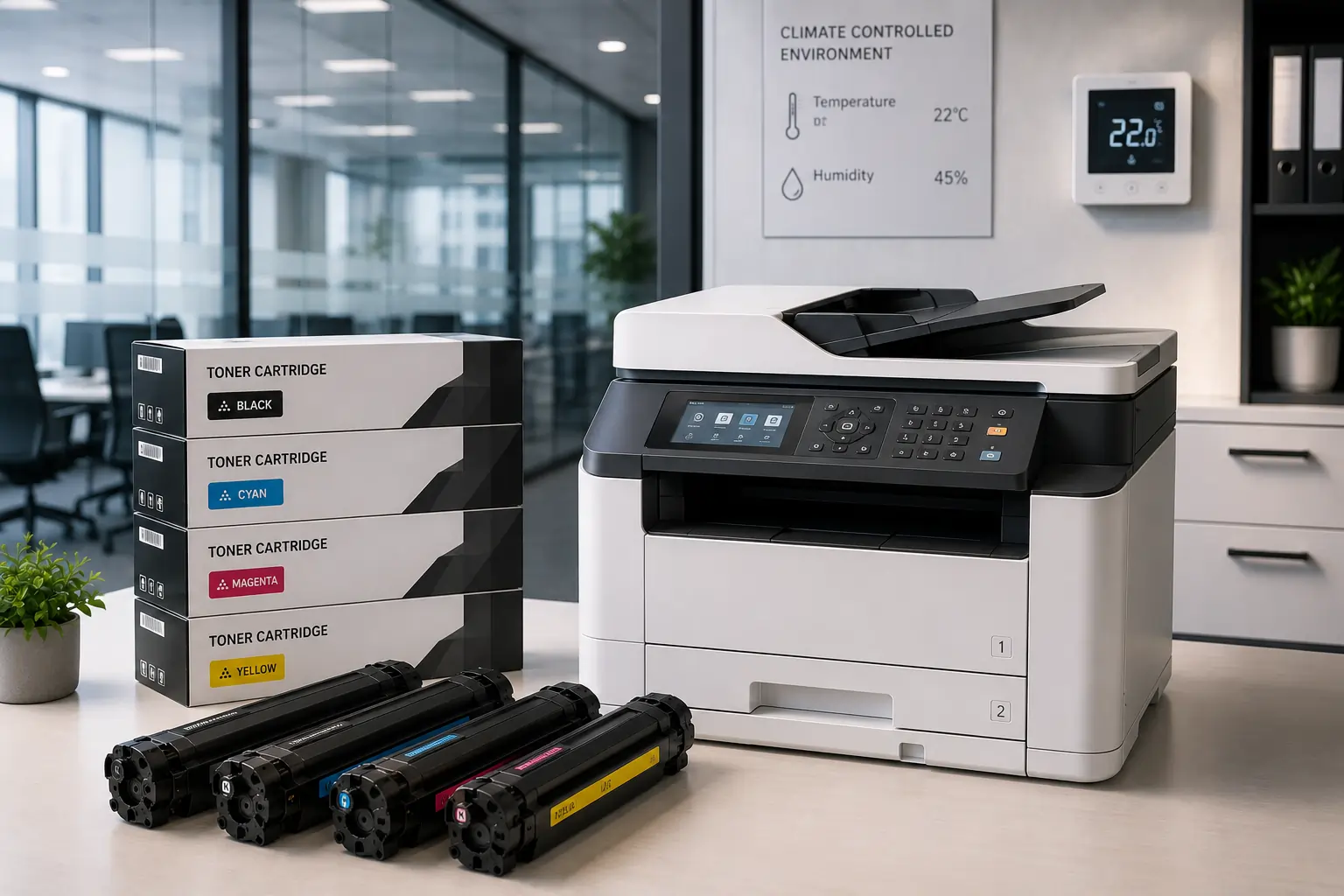
Unlike ink cartridges, toner cartridges use fine powder particles that rely on heat and electrostatic charge during the printing process. Because of this, toner is highly sensitive to environmental changes.
Extreme conditions may lead to:
- Poor print quality
- Toner clumping
- Smearing or smudging
- Paper jams
- Cartridge leakage
- Reduced cartridge lifespan
Maintaining the right environment helps both the toner cartridge and printer perform more efficiently over time.
How High Temperatures Affect Toner Cartridge Performance?
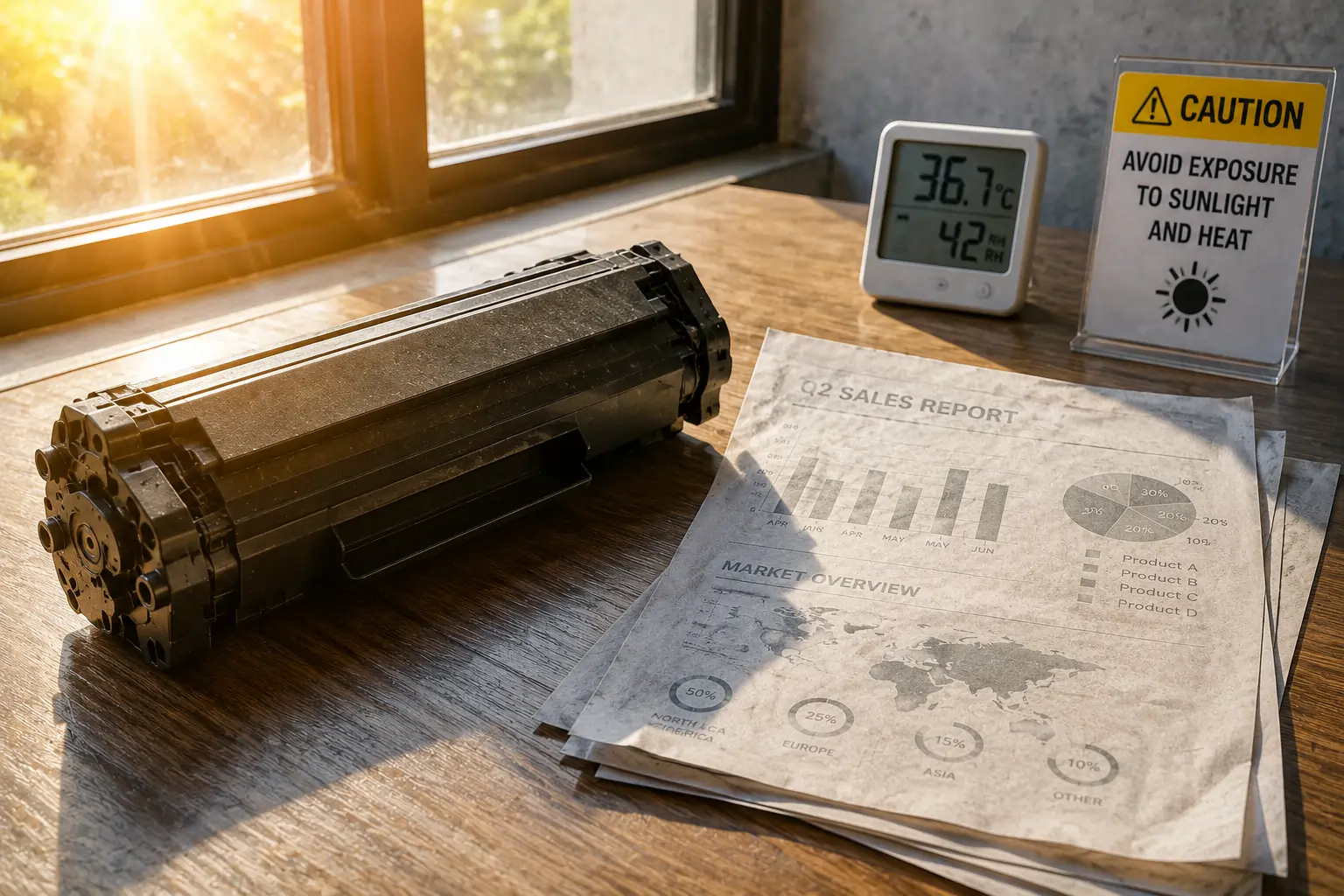
Heat is one of the biggest threats to toner cartridges.
Toner Powder Can Clump Together
Toner powder is designed to remain dry and evenly distributed. Excessive heat may cause the toner particles to clump, which can lead to:
- Uneven print density
- Faded text
- Streaks on documents
- Poor toner transfer
This problem becomes more common when toner cartridges are stored in:
- Hot offices
- Garages
- Cars
- Areas exposed to direct sunlight
Internal Cartridge Components May Warp
Extreme heat can also affect the cartridge housing and internal components.
Possible issues include:
- Damaged seals
- Toner leakage
- Reduced cartridge compatibility
- Mechanical failures
Using damaged cartridges may eventually affect printer performance as well.
How Cold Temperatures Impact Toner Cartridges?
Very cold environments can also create printing problems.
Reduced Toner Flow
Cold temperatures may cause toner powder to lose its normal flow properties, leading to:
- Light printing
- Patchy output
- Delayed toner transfer
If a toner cartridge has been stored in a cold environment, it may need time to return to room temperature before installation.
Condensation Risks
Rapid temperature changes can create condensation inside the cartridge or printer.
Moisture buildup may lead to:
- Toner clumping
- Printer errors
- Smudged prints
- Electrical component issues
To avoid this, toner cartridges should acclimate gradually when moved between environments.
How Humidity Affects Toner Cartridge Performance?
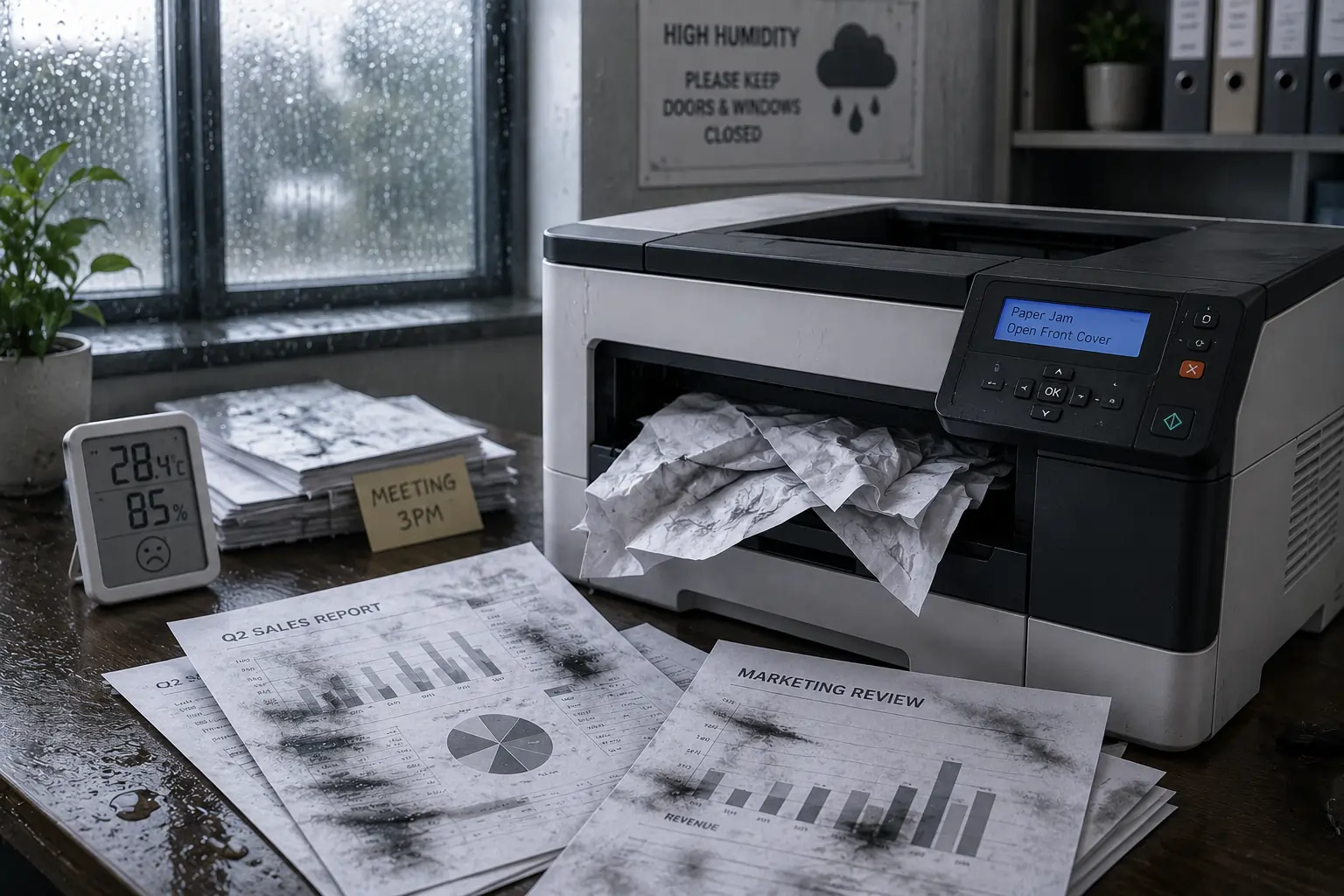
Humidity plays a major role in print consistency and toner behavior.
High Humidity Problems
Excess moisture in the air can interfere with toner adhesion during printing.
Common high-humidity issues include:
- Smearing
- Faded prints
- Wrinkled paper
- Toner not fully bonding to paper
- Frequent paper jams
Laser printers rely on precise heat and electrostatic processes, both of which can be disrupted by excessive moisture.
According to HP’s printer support resources, maintaining proper humidity levels helps improve print reliability and reduce print defects.
Low Humidity Problems
Very dry conditions can also create issues due to excess static electricity.
Low humidity may cause:
- Multiple sheets feeding at once
- Static-related paper jams
- Uneven toner transfer
- Dust buildup inside the printer
Balancing humidity levels is key for stable printer performance.
Ideal Temperature and Humidity for Toner Cartridges
Most manufacturers recommend storing toner cartridges in controlled indoor environments.
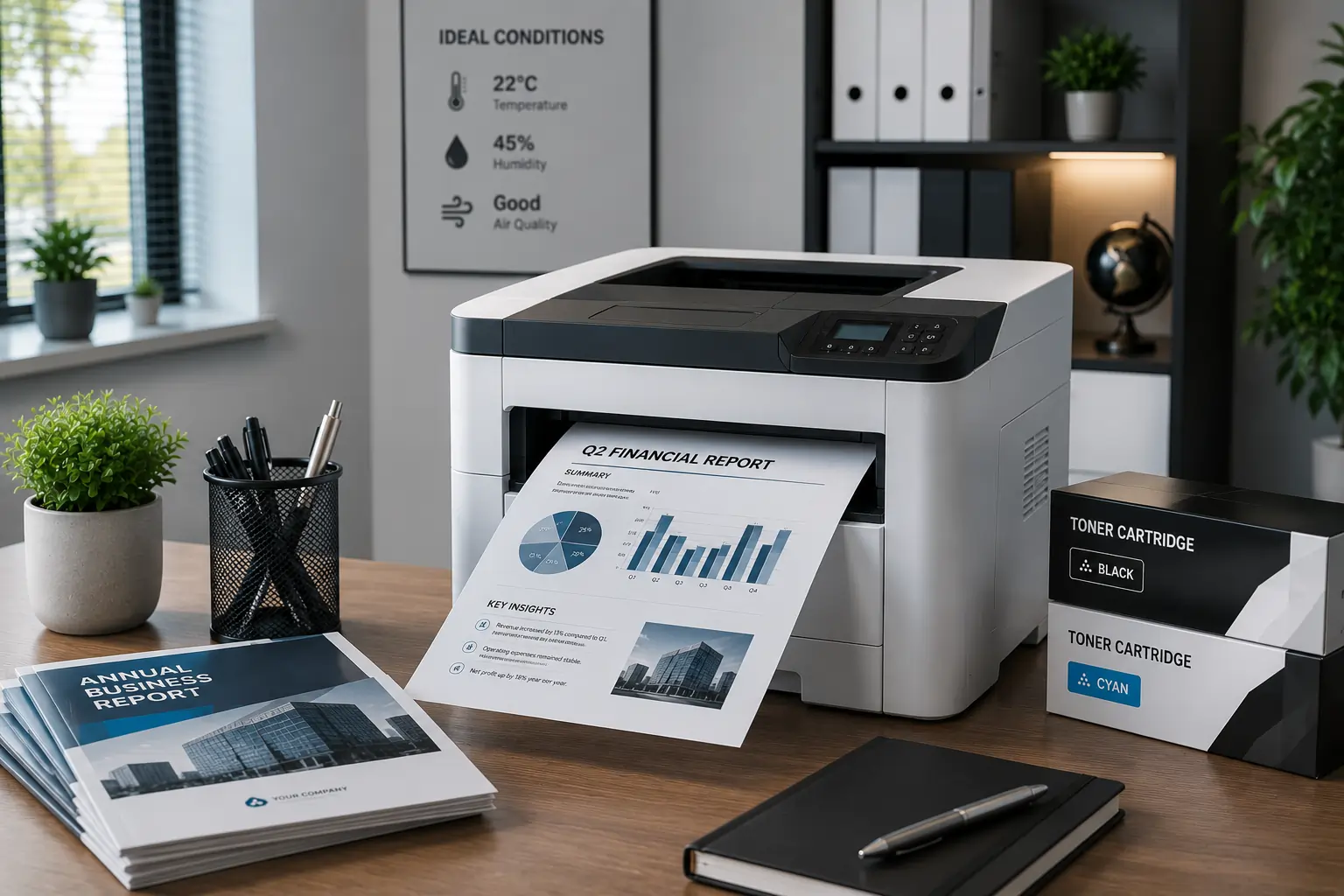
Recommended Conditions
Ideal temperature:
- Around 68°F to 77°F (20°C to 25°C)
Ideal humidity:
- Approximately 40% to 60% relative humidity
Avoid storing toner cartridges near:
- Windows
- Heating vents
- Air conditioning units
- Damp storage rooms
Proper Toner Cartridge Storage Tips
Correct storage can greatly extend toner cartridge lifespan and maintain print quality.
Best Practices for Toner Storage
- Store cartridges in original packaging
- Keep cartridges flat when possible
- Avoid direct sunlight
- Use climate-controlled rooms
- Keep cartridges away from moisture
- Avoid extreme temperature fluctuations
Reliable suppliers like Toner Connect also recommend proper storage to help maintain cartridge performance and page yield.
Signs Temperature or Humidity Is Affecting Your Prints
Environmental conditions can sometimes mimic other printer problems.
Common Symptoms
Watch for:
- Faded or blotchy printing
- Smudged pages
- Toner streaks
- Random printer jams
- Uneven print darkness
- Toner leakage
If these issues occur seasonally or during weather changes, humidity or temperature may be contributing factors.
How Offices Can Reduce Environmental Printing Problems?
Businesses with heavy printing demands should pay extra attention to printer environments.
Helpful Office Solutions
- Use air conditioning to stabilize temperature
- Install dehumidifiers in humid climates
- Avoid placing printers near windows
- Maintain regular printer cleaning schedules
- Store backup toner cartridges properly
These small adjustments can reduce downtime and improve toner cartridge reliability.
Why Toner Cartridge Quality Still Matters?
Environmental conditions affect all toner cartridges, but low-quality cartridges tend to experience problems more quickly.
Poorly manufactured cartridges may:
- Leak more easily
- Handle humidity poorly
- Deliver inconsistent toner flow
- Wear out faster under heat exposure
Choosing high-quality compatible or OEM toner cartridges from trusted suppliers can help reduce these risks.
Retailers like Toner Connect offer toner cartridges designed for reliable printer compatibility and consistent performance.
Maintaining Your Printer in Different Climates
Different regions may require additional printer maintenance.
Warm and Humid Climates
If you live in humid areas:
- Run air conditioning regularly
- Use silica gel packs near stored supplies
- Clean printers more frequently
Cold or Dry Climates
In colder regions:
- Allow cartridges to warm gradually before use
- Use humidifiers if indoor air becomes too dry
- Keep printers away from cold drafts
Canon’s printer support resources also emphasize stable environmental conditions for optimal laser printer operation.
Final Thoughts
Temperature and humidity can have a surprisingly large impact on toner cartridge performance and overall print quality. From toner clumping and smudging to faded prints and paper jams, environmental conditions often play a hidden role in printer problems.
Fortunately, proper storage, climate control, and high-quality toner cartridges can help prevent most issues before they start.
Whether you print occasionally at home or manage a busy office environment, maintaining stable conditions and using reliable toner supplies can keep your printer running smoothly while extending the life of your toner cartridges.