
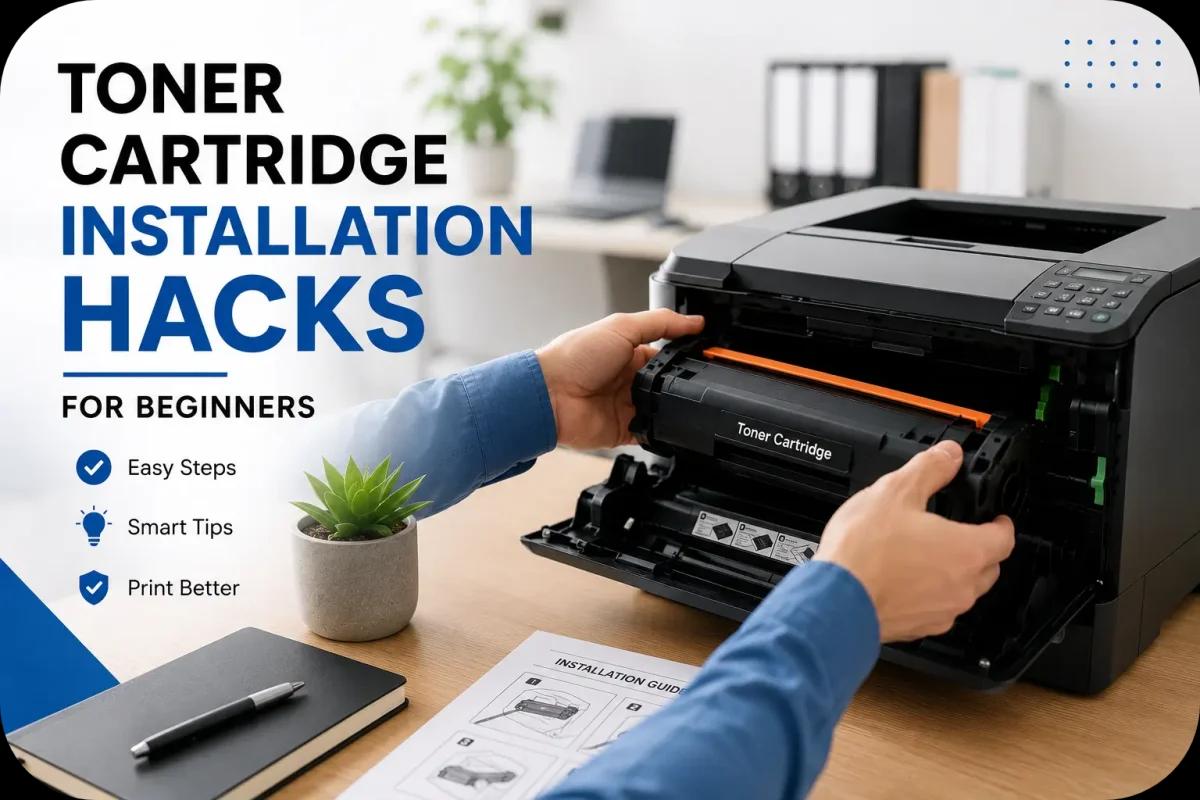
Toner Cartridge Installation Hacks for Beginners
Installing a toner cartridge may seem simple, but many beginners accidentally make mistakes that affect print quality, cartridge lifespan, and even printer performance. Improper toner installation can lead to toner leaks, printer errors, streaks, or wasted printing supplies. Fortunately, a few simple toner cartridge installation hacks can make the process much easier and help users avoid common problems.
Whether you use a laser printer at home or in the office, understanding proper toner cartridge installation helps improve printing efficiency, reduce maintenance issues, and extend printer lifespan. In addition, careful installation practices can help maximize toner cartridge value and improve long term print quality.
This beginner friendly guide covers practical toner cartridge installation hacks that help users install toner cartridges safely and correctly.
Always Verify Printer Compatibility Before Installation
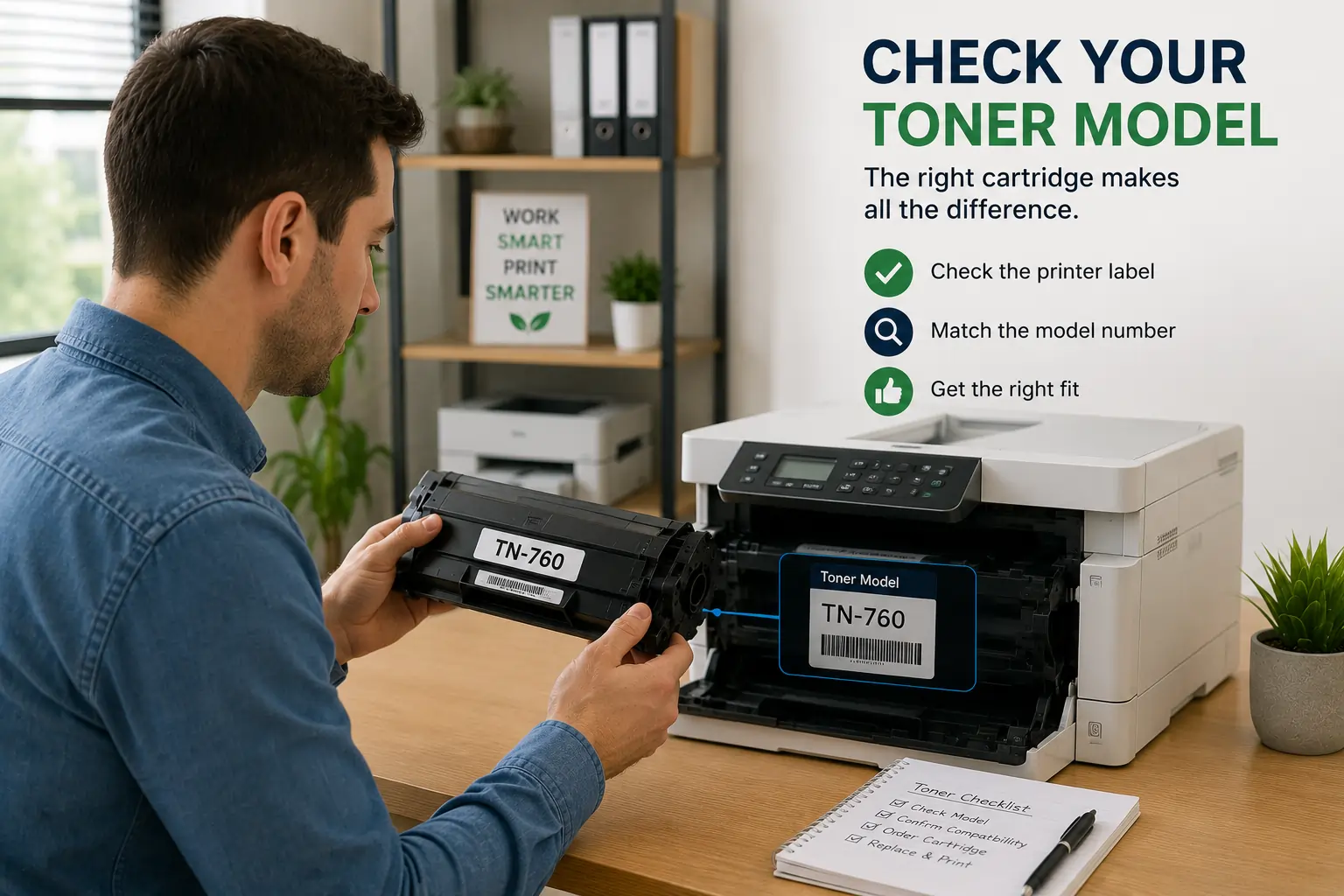
One of the most common beginner mistakes is installing the wrong toner cartridge model.
Check Printer Model Numbers Carefully
Before opening a cartridge:
- Verify your printer model
- Match cartridge numbers exactly
- Confirm cartridge compatibility
Avoid Similar Looking Cartridges
Some toner cartridges may appear nearly identical but are designed for different printer models.
Because of this, checking compatibility first helps prevent installation errors and printer damage.
Read the Printer Instructions First
Many users skip printer manuals entirely during installation.
Manufacturer Instructions Matter
Different printers may have:
- Unique cartridge placement systems
- Locking mechanisms
- Protective packaging steps
- Installation sequences
Quick Setup Guides Can Help Beginners
Most printers include simple installation diagrams that reduce confusion during setup.
Therefore, reviewing instructions before installation helps avoid mistakes.
Handle Toner Cartridges Carefully
Toner cartridges contain sensitive internal components.
Avoid Touching the Drum Unit
The drum surface is highly sensitive and may become damaged by:
- Fingerprints
- Scratches
- Dust
Hold the Cartridge by the Handles
Most toner cartridges include designated grip areas for safer handling.
Avoid Shaking Aggressively
Although gentle side to side movement may help distribute toner, rough shaking can:
- Damage internal parts
- Cause toner leaks
- Affect print quality
As a result, careful handling helps protect cartridge performance.
Remove All Protective Packaging Properly
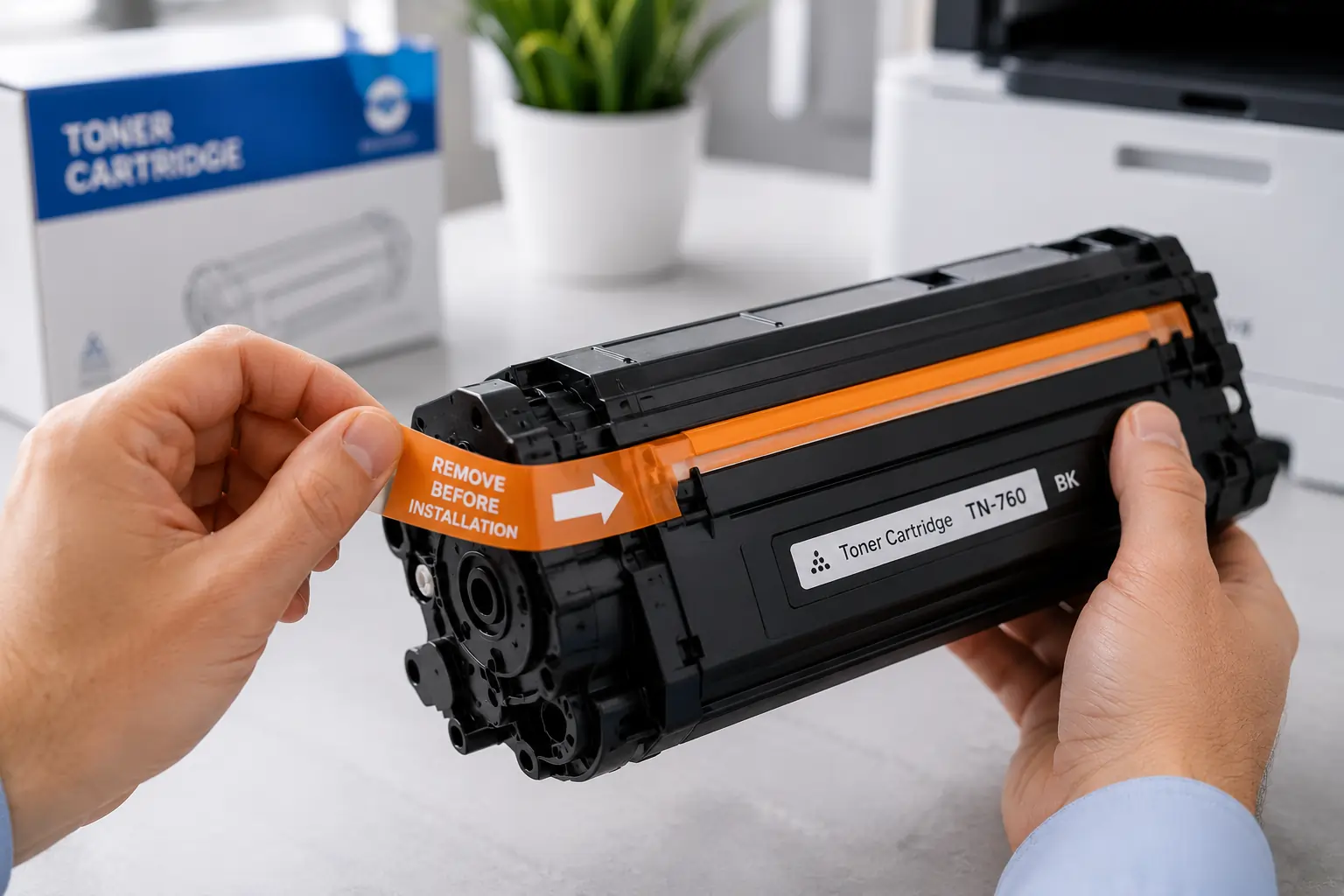
New toner cartridges usually include:
- Protective tape
- Plastic covers
- Sealing strips
- Packaging clips
Remove Every Protective Seal
Forgetting to remove packaging materials may cause:
- Printer errors
- Toner flow issues
- Blank pages
- Installation failures
Follow Removal Instructions Carefully
Most cartridges include arrows or pull tabs showing proper removal directions.
Because of this, taking extra time during unpacking helps prevent installation problems.
Clean the Printer Before Installing a New Cartridge
A clean printer improves toner performance significantly.
Remove Loose Toner and Dust
Dust buildup may affect:
- Toner transfer
- Rollers
- Drum performance
- Print quality
Inspect Internal Components
Check for:
- Paper debris
- Loose toner
- Damaged rollers
Regular cleaning helps reduce print defects and improve cartridge efficiency.
Install the Cartridge Slowly and Securely
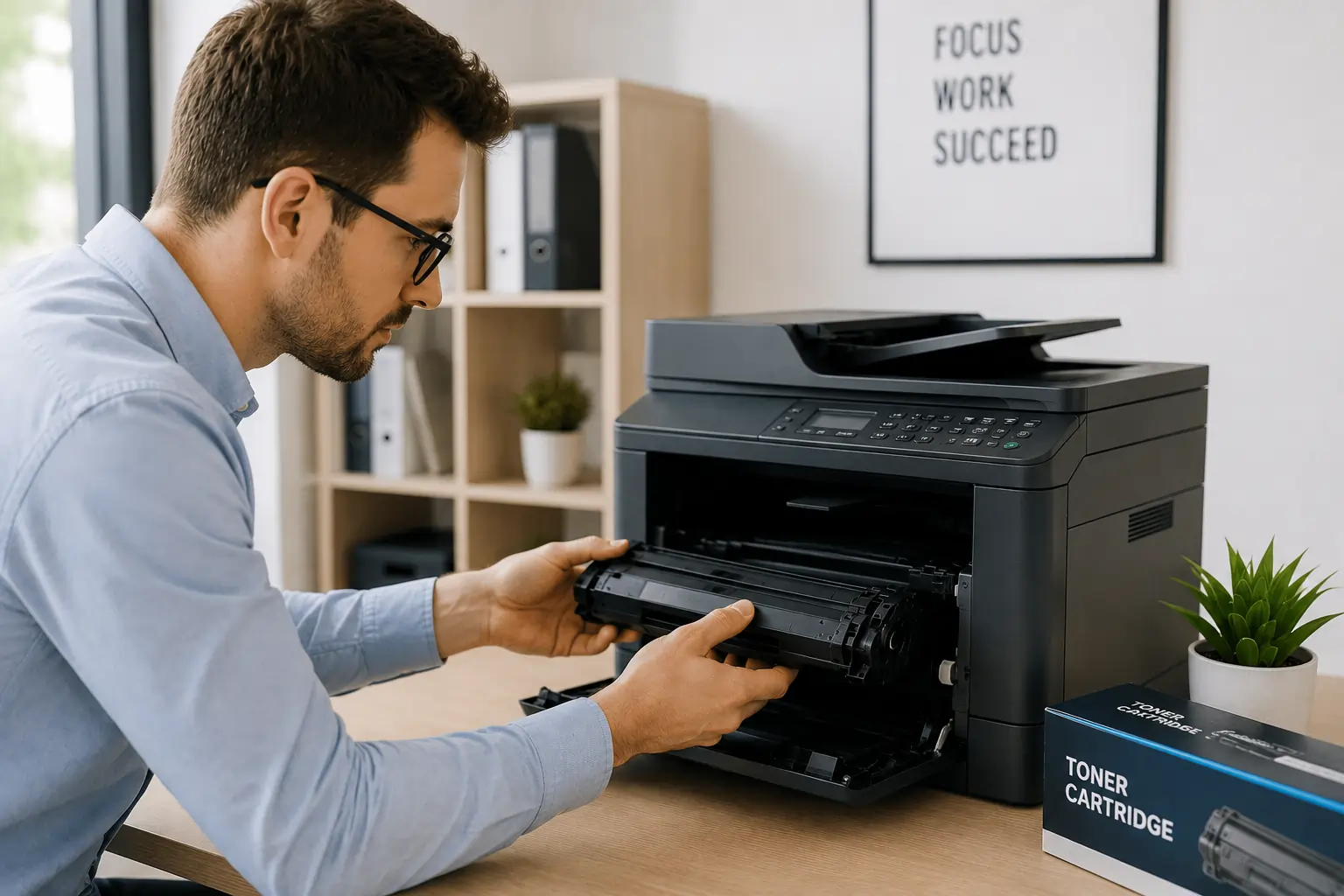
Rushing toner installation often leads to alignment issues.
Align the Cartridge Properly
Most cartridges slide into position using:
- Guide rails
- Locking grooves
- Click in mechanisms
Avoid Forcing the Cartridge
If resistance occurs:
- Stop immediately
- Recheck alignment
- Verify compatibility
Forcing the cartridge may damage both the printer and cartridge housing.
Therefore, smooth installation is important for reliable operation.
Test Print After Installation
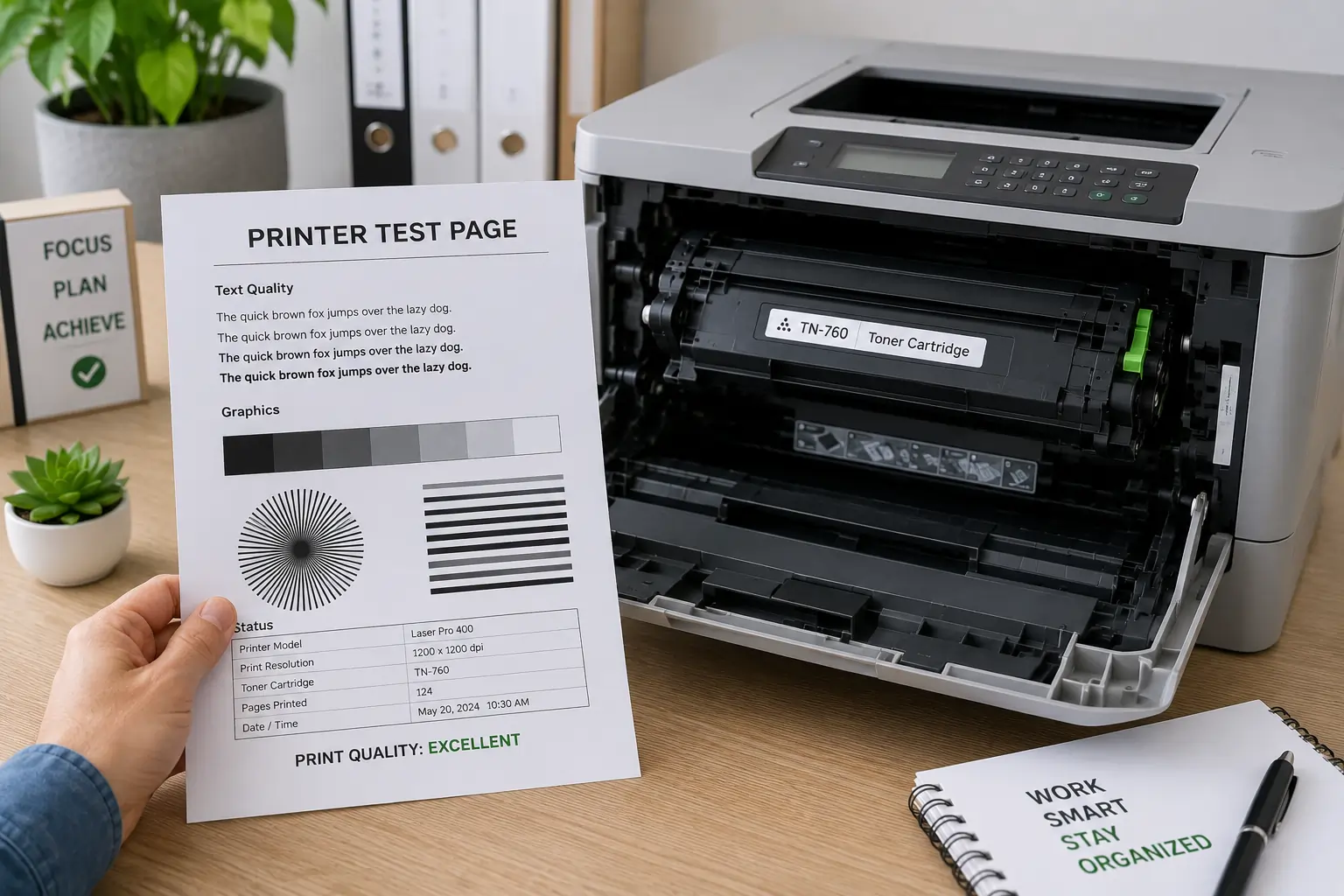
Always run a test print after installing a toner cartridge.
Check for Print Quality Issues
Look for:
- Streaks
- Smudges
- Faded areas
- Blank sections
Confirm Printer Recognition
Modern printers usually display:
- Toner levels
- Cartridge status
- Compatibility confirmations
As a result, early testing helps identify problems before larger print jobs begin.
Businesses and home users looking for dependable toner cartridge solutions can explore products from Toner Connect.
Store Backup Toner Cartridges Correctly
Proper storage helps preserve cartridge quality before installation.
Keep Cartridges Away from Heat and Humidity
Environmental exposure may affect:
- Toner consistency
- Cartridge seals
- Internal components
Store Cartridges in Original Packaging
Original packaging protects cartridges from:
- Dust
- Light exposure
- Physical damage
Therefore, proper storage supports better long term toner performance.
Common Toner Cartridge Installation Mistakes
Many beginners experience avoidable installation issues.
Installing the Wrong Cartridge
Compatibility mistakes remain one of the most common problems.
Forgetting Protective Seals
Missing packaging removal steps may block toner flow.
Touching Sensitive Components
Drum damage can reduce print quality quickly.
Ignoring Printer Error Messages
Modern printers often provide helpful troubleshooting alerts during installation.
Because of this, paying attention to setup details helps prevent future printer issues.
Why Proper Installation Improves Printer Performance?
Correct toner cartridge installation helps:
- Improve print quality
- Reduce toner waste
- Extend cartridge lifespan
- Prevent printer damage
- Improve office productivity
In addition, proper installation reduces unnecessary maintenance costs and printer downtime.
Modern Printers Make Toner Installation Easier
Modern laser printers now include beginner friendly features such as:
- Guided installation systems
- Smart cartridge recognition
- Toner monitoring alerts
- Easy access cartridge compartments
These improvements help reduce installation mistakes and improve printing efficiency.
According to HP and Brother printer support resources, proper toner installation and routine maintenance remain important for maintaining long term printer reliability.
Conclusion
Proper toner cartridge installation is essential for maintaining print quality, reducing toner waste, and preventing printer problems. By following simple installation hacks such as verifying compatibility, handling cartridges carefully, removing protective packaging correctly, and testing prints after installation, beginners can improve printing reliability and extend toner cartridge lifespan. With the right installation habits, users can enjoy more efficient and trouble free laser printing at home or in the office.