
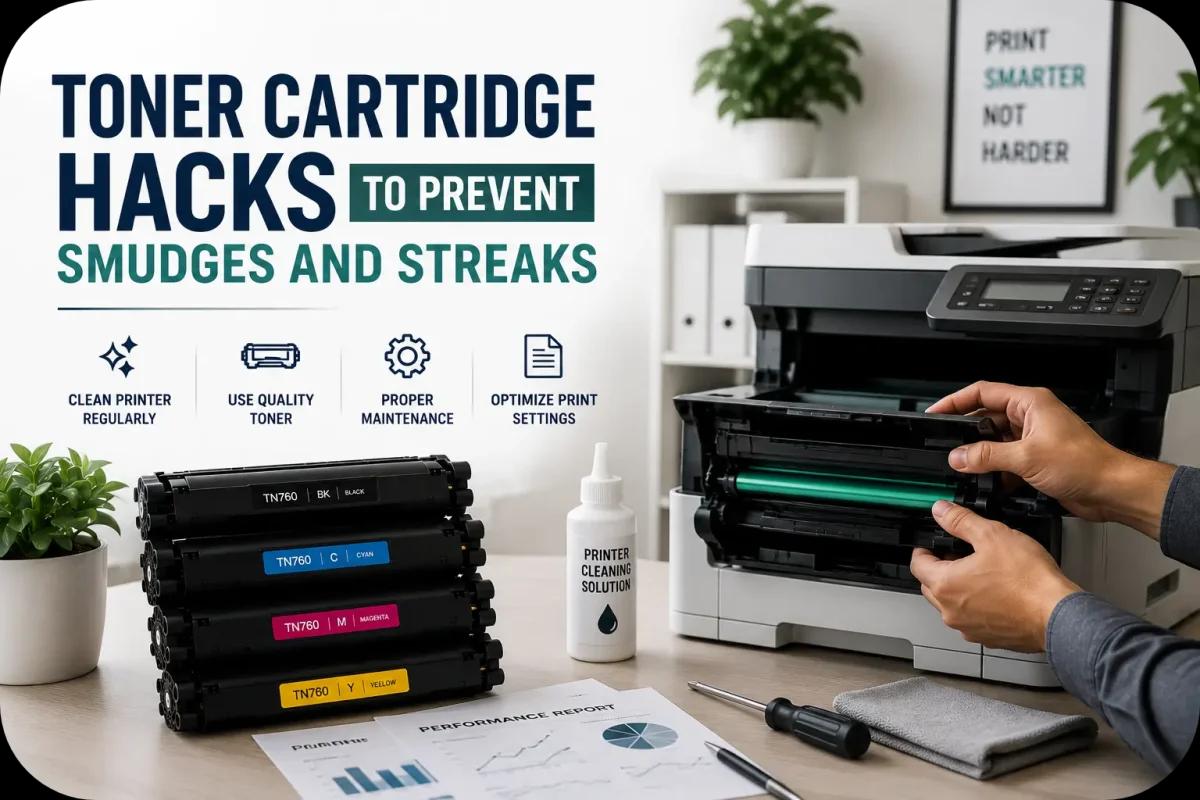
Toner Cartridge Hacks to Prevent Smudges and Streaks
Nothing ruins professional printing faster than smudges, streaks, faded text, or uneven toner coverage. Whether you print contracts, invoices, presentations, or office reports, toner cartridge issues can quickly affect document quality and office productivity. Fortunately, many common printing problems can be prevented with a few simple toner cartridge hacks.
Smudges and streaks are often caused by dirty printer components, damaged toner cartridges, improper settings, or poor maintenance habits. By understanding how laser printers work and following smarter toner management practices, businesses and home users can improve print quality while extending printer and toner lifespan.
This guide explores practical toner cartridge hacks that help prevent smudges and streaks while keeping office printing cleaner and more reliable.
Keep Your Printer Interior Clean
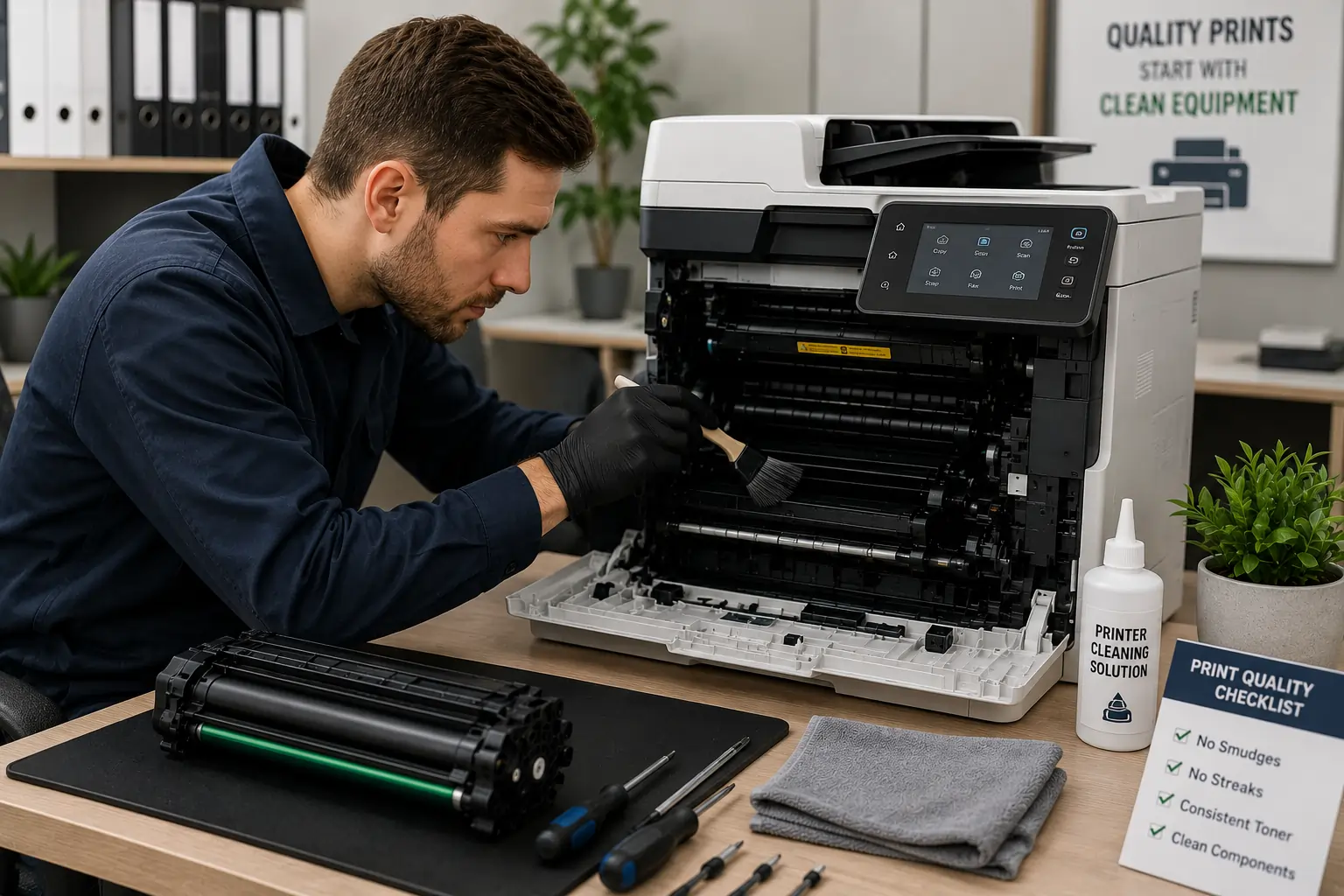
One of the most effective toner cartridge hacks is regular printer cleaning.
Loose Toner Causes Print Defects
Dust and toner buildup inside the printer may lead to:
- Smudges
- Streaks
- Toner smears
- Uneven printing
Clean Printer Components Carefully
Focus on cleaning:
- Cartridge compartments
- Rollers
- Paper paths
- Accessible interior panels
Because of this, routine printer cleaning helps maintain sharper print quality.
Use High Quality Toner Cartridges
Low quality toner cartridges are a common source of printing problems.
Cheap Cartridges May Cause:
- Toner leaks
- Uneven toner distribution
- Weak print quality
- Lower page yield
Reliable Toner Improves Printing Consistency
Higher quality cartridges usually provide:
- Better toner flow
- Cleaner text
- More accurate toner transfer
As a result, investing in quality toner helps reduce print defects significantly.
Store Toner Cartridges Properly
Improper storage may damage toner quality before installation.
Heat and Humidity Affect Toner Performance
Environmental exposure may:
- Clump toner powder
- Damage seals
- Affect toner consistency
Keep Cartridges in Original Packaging
Proper packaging protects cartridges from:
- Dust
- Moisture
- Physical damage
Because of this, proper storage helps maintain cleaner printing performance.
Businesses looking for dependable toner cartridge solutions can explore products and services from Toner Connect.
Replace Worn Drum Units
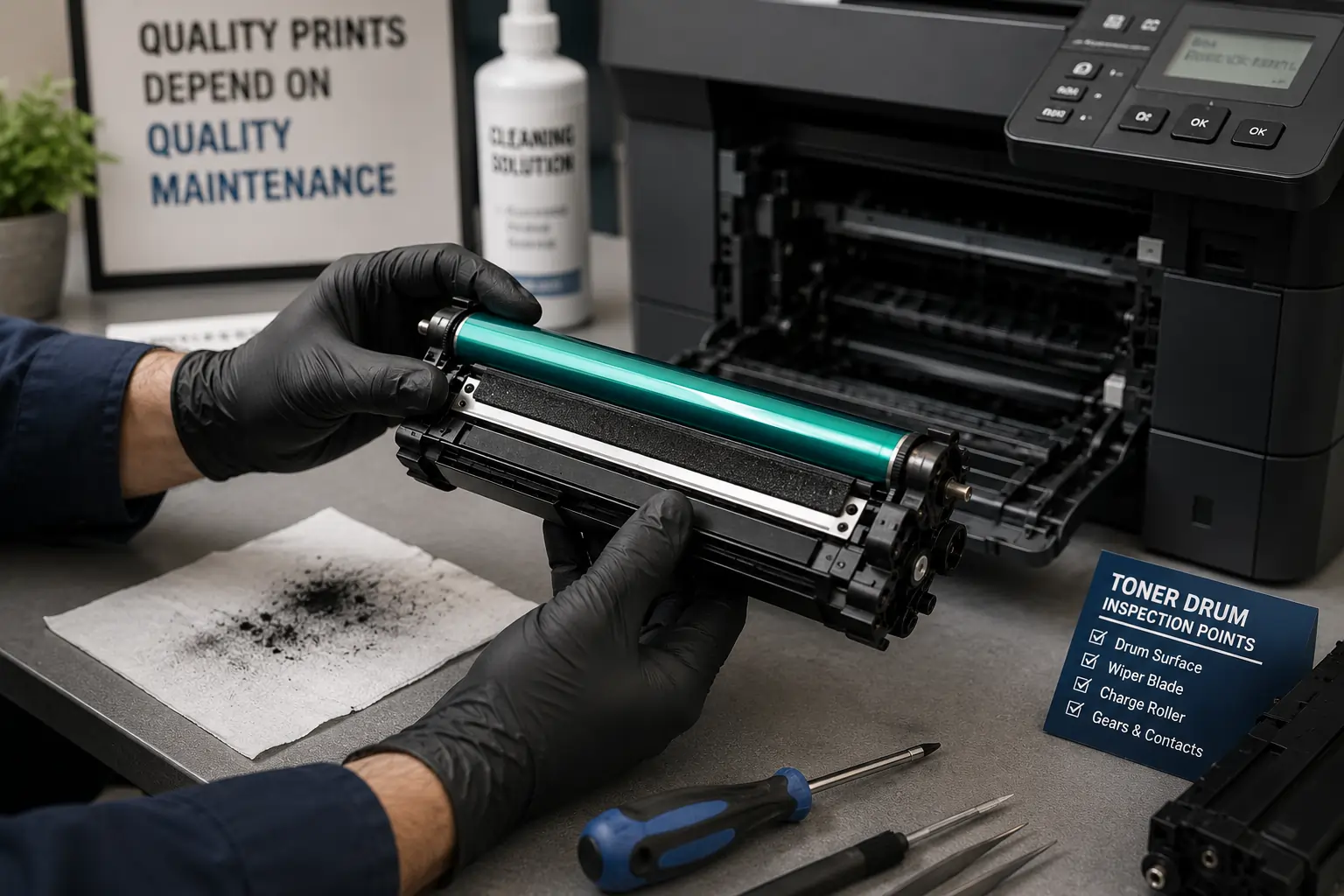
Sometimes streaks are caused by the drum rather than the toner cartridge itself.
Worn Drums Create Repeating Marks
A damaged drum may produce:
- Vertical streaks
- Repeated smudges
- Faded sections
- Toner transfer problems
Inspect the Drum Carefully
Avoid:
- Touching the drum surface
- Scratching sensitive areas
- Exposing drums to bright light too long
As a result, proper drum maintenance improves overall print quality.
Use the Correct Paper Type
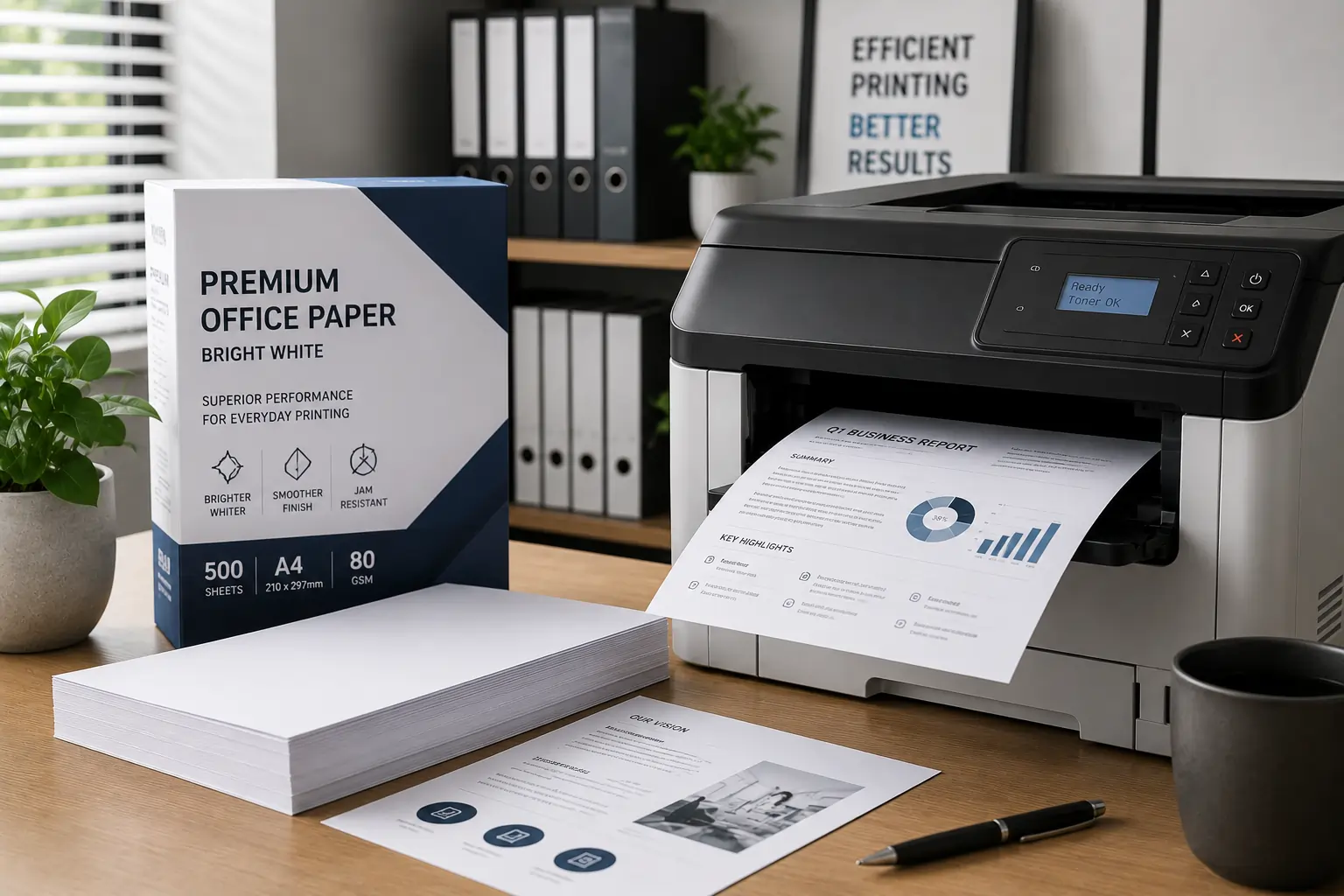
Paper quality directly affects toner bonding.
Low Quality Paper May Cause:
- Toner smearing
- Dust buildup
- Uneven printing
- Paper jams
Printer Settings Should Match Paper Type
Most printers allow users to select:
- Standard paper
- Thick paper
- Glossy paper
- Specialty media
Because of this, proper paper settings help improve toner adhesion.
Avoid Overusing Toner Saving Mode
Toner saving modes help reduce toner usage but may sometimes affect print consistency.
Extremely Low Toner Density May Cause:
- Faded text
- Uneven graphics
- Weak print clarity
Use Toner Saving Strategically
Draft mode works best for:
- Internal documents
- Temporary drafts
- Low priority printing
As a result, balancing print quality and toner savings is important.
Gently Shake Low Toner Cartridges
A fading cartridge may still contain usable toner.
Light Movement Redistributes Toner
Carefully shaking the cartridge side to side may:
- Improve temporary print quality
- Even out toner distribution
Avoid Aggressive Shaking
Rough handling may:
- Damage cartridge components
- Cause toner leaks
- Spread loose toner
Because of this, gentle handling helps protect cartridge condition.
Check Printer Rollers Regularly
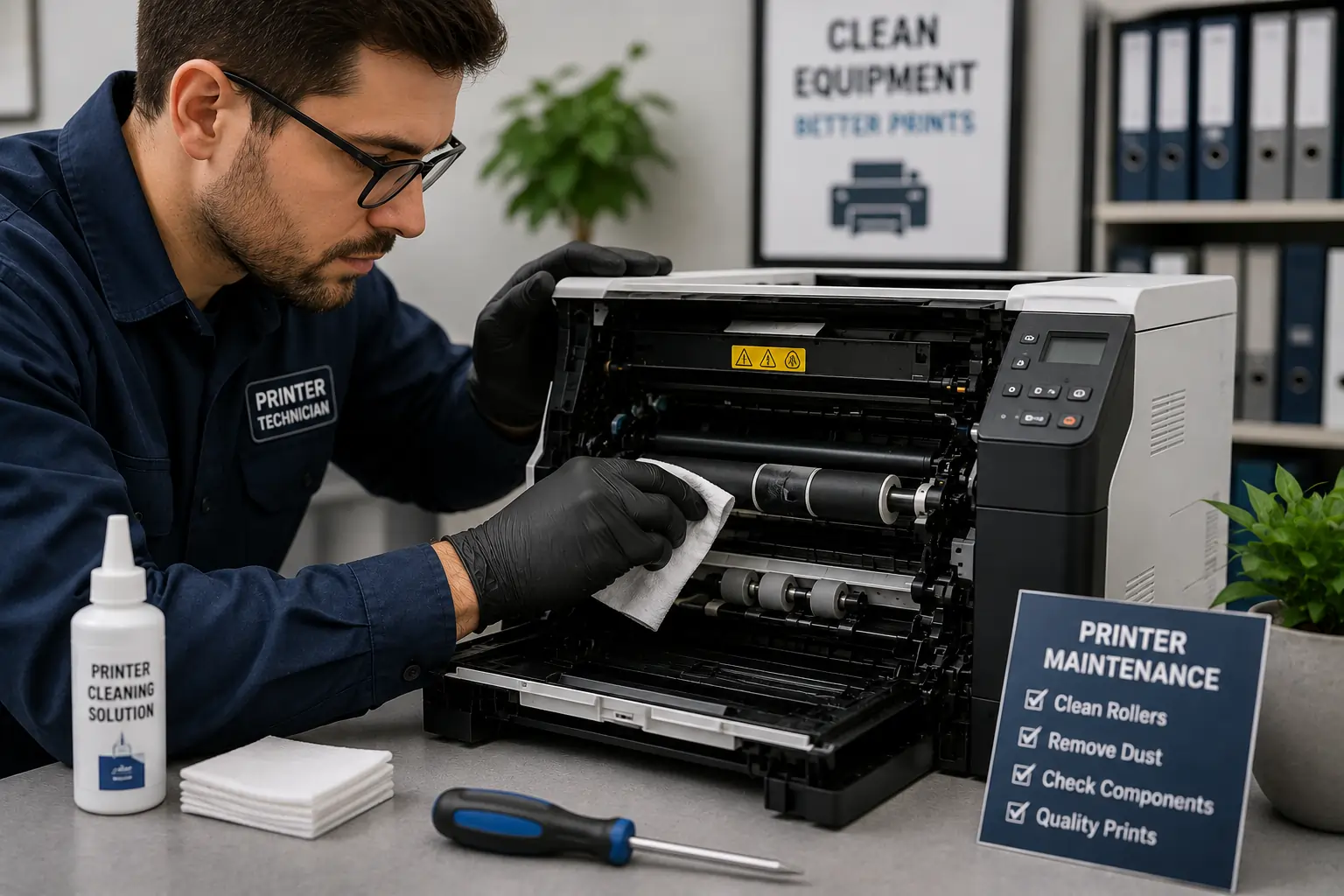
Dirty or worn rollers often contribute to print defects.
Rollers Affect Paper Movement
Damaged rollers may create:
- Smudging
- Misalignment
- Uneven toner transfer
Routine Roller Cleaning Helps
Use:
- Soft lint free cloths
- Manufacturer approved cleaning methods
Therefore, roller maintenance supports cleaner printing.
Update Printer Firmware
Modern printers use firmware to manage print quality and toner performance.
Firmware Updates Improve Printer Performance
Updates may help:
- Optimize toner usage
- Improve calibration
- Reduce compatibility issues
Smarter Printers Improve Print Consistency
Modern printing systems often include:
- Toner monitoring
- Print diagnostics
- Automatic calibration
As a result, updated printers often perform more reliably.
Avoid Ignoring Early Print Defects
Small print problems may become larger issues over time.
Early Troubleshooting Prevents Bigger Problems
Addressing minor streaks or smudges quickly may help prevent:
- Printer damage
- Excess toner waste
- More expensive repairs
Regular Maintenance Improves Reliability
Routine maintenance helps:
- Extend cartridge lifespan
- Improve print quality
- Reduce office downtime
Because of this, proactive maintenance remains essential.
Modern Toner Technology Helps Reduce Print Defects
Modern toner systems now include:
- Better toner formulas
- Improved cartridge sealing
- Smarter toner distribution
- Advanced printer calibration
These improvements help businesses maintain cleaner and more reliable office printing.
According to HP and Canon printer resources, regular maintenance, proper toner handling, and quality toner supplies remain essential for preventing streaks, smudges, and inconsistent print quality.
Conclusion
Preventing toner smudges and streaks often comes down to smarter maintenance, proper toner handling, and using reliable printing supplies. By cleaning printers regularly, replacing worn components, storing toner correctly, and optimizing printer settings, businesses and home users can improve print quality while reducing toner waste and printer problems. In addition, proactive toner cartridge maintenance helps extend printer lifespan and create more reliable long term printing performance.