
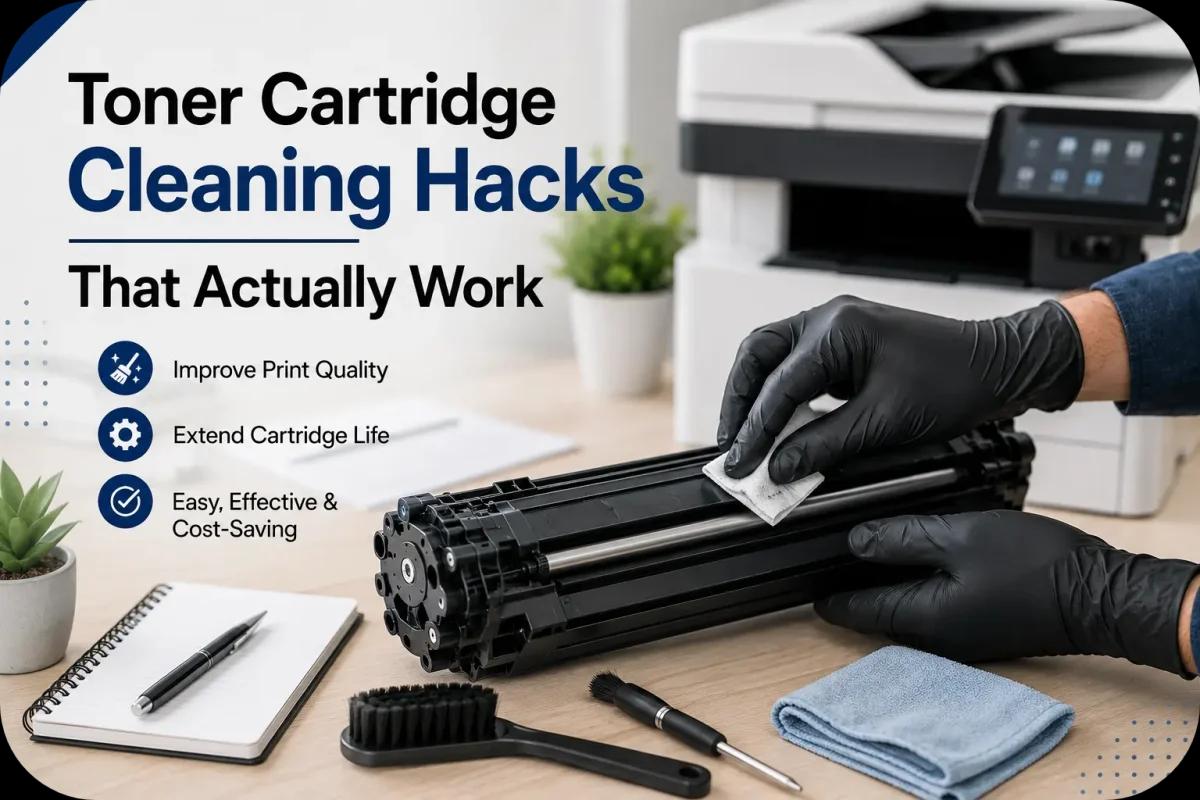
Toner Cartridge Cleaning Hacks That Actually Work
Dirty toner cartridges and dusty printer interiors can quickly lead to poor print quality, toner streaks, smudges, faded pages, and unnecessary printer problems. While many users replace cartridges immediately when print quality declines, simple cleaning techniques can often restore cleaner printing and improve toner performance without expensive repairs.
Proper toner cartridge cleaning helps businesses and home users:
- Improve print quality
- Reduce toner waste
- Extend cartridge lifespan
- Prevent printer damage
- Maintain smoother office workflow
The good news is that many toner cartridge cleaning hacks are simple, affordable, and highly effective when done correctly. This guide explains practical toner cartridge cleaning hacks that actually work and help keep laser printers running efficiently.
Why Toner Cartridge Cleaning Matters?
Laser printers rely on precise toner transfer systems to produce clean and sharp documents.
Over time, printers may accumulate:
- Loose toner powder
- Dust
- Paper debris
- Toner residue
This buildup may affect:
- Toner flow
- Drum performance
- Roller movement
- Print clarity
Because of this, routine cleaning plays a major role in maintaining reliable print quality.
Start With Safe Printer Shutdown
Before cleaning any toner cartridge or printer component, always power off the printer.
Why Shutdown Matters?
Turning off the printer helps:
- Prevent electrical issues
- Protect internal components
- Improve cleaning safety
Allow the Printer to Cool
Laser printers use heat during operation, especially around the fuser area.
As a result, allowing the printer to cool before cleaning helps avoid accidental burns or component damage.
Use a Lint Free Cloth for Basic Cleaning
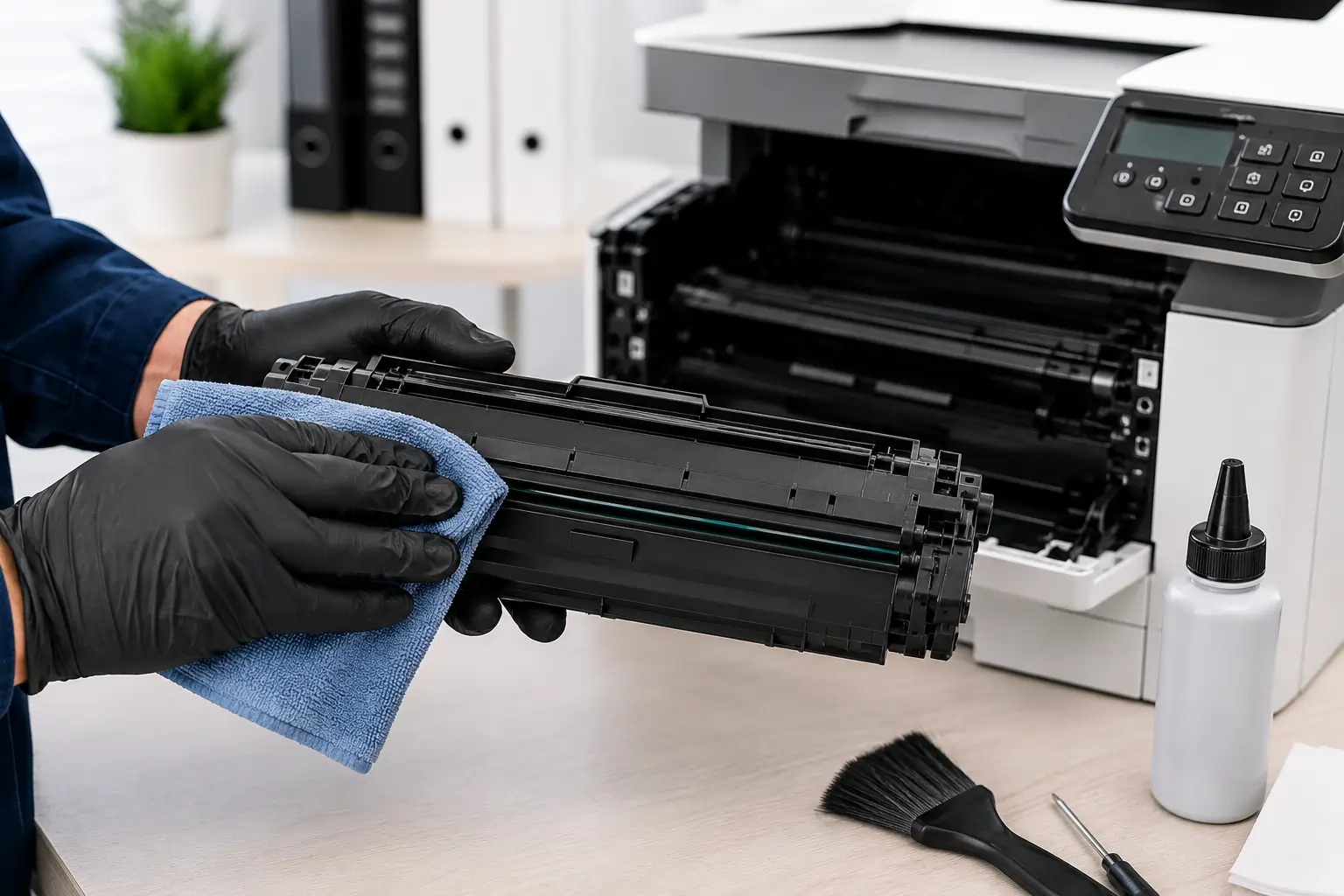
One of the easiest toner cartridge cleaning hacks is using a soft lint free cloth.
Remove Loose Toner Carefully
Gently wipe:
- Cartridge surfaces
- Printer interior panels
- Accessible rollers
Avoid Rough Materials
Paper towels or rough cloths may:
- Scratch components
- Leave debris behind
Because of this, soft microfiber or lint free cloths work best.
Gently Shake the Toner Cartridge
Sometimes uneven toner distribution creates faded printing.
Redistribute Remaining Toner
Carefully shaking the cartridge side to side may help:
- Improve temporary print quality
- Even out toner distribution
- Extend short term cartridge usability
Avoid Aggressive Shaking
Excessive shaking may:
- Damage cartridge parts
- Cause toner leaks
- Create messy spills
Therefore, gentle movement is important.
Clean Loose Toner With a Toner Safe Vacuum
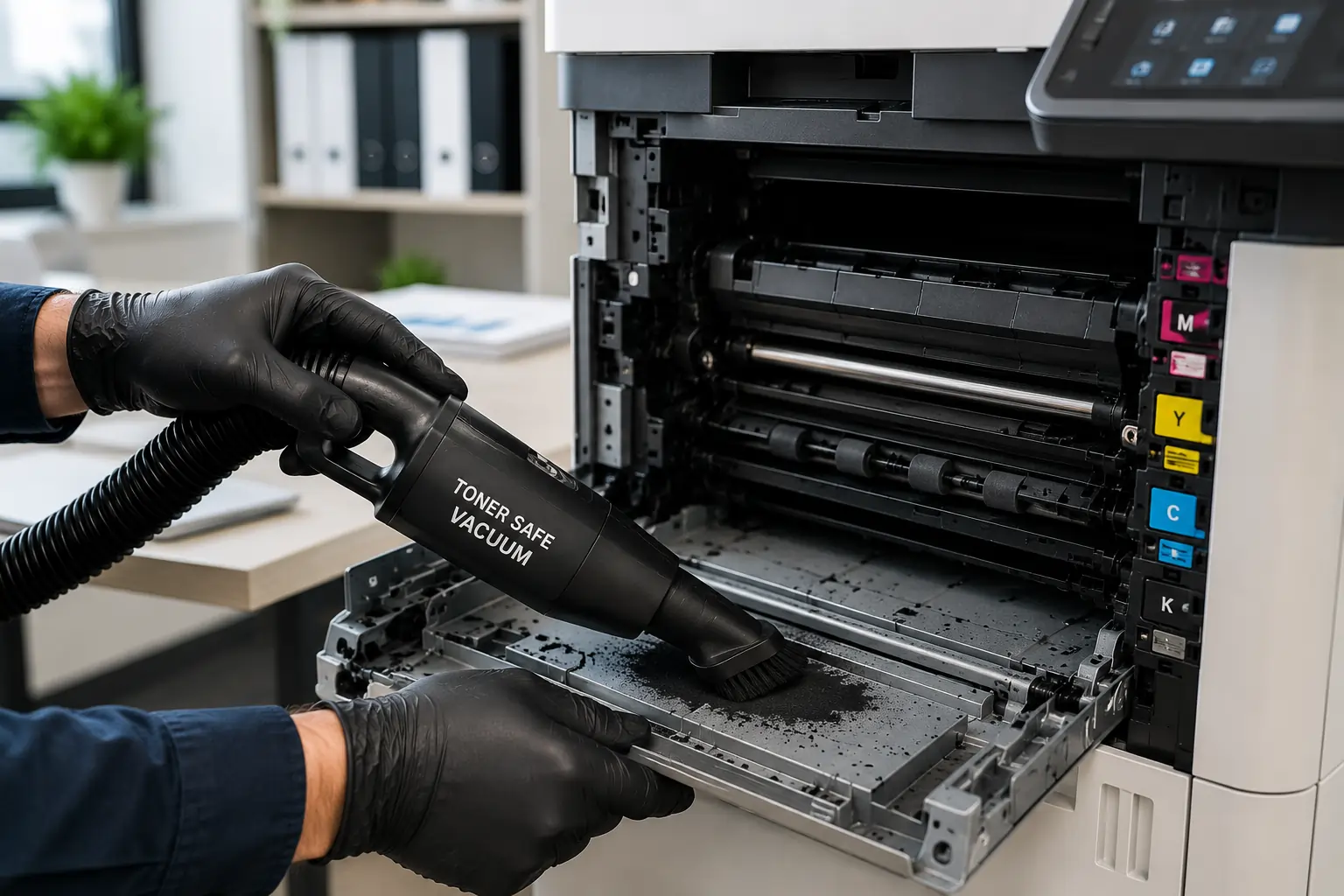
Standard household vacuums are not always safe for toner cleanup.
Toner Powder Is Extremely Fine
Regular vacuums may:
- Blow toner particles back into the air
- Become damaged by fine powder
Use Toner Safe Equipment
Specialized toner vacuums are designed to safely handle:
- Fine toner particles
- Printer debris
- Internal cleaning
As a result, toner safe cleaning tools improve both safety and effectiveness.
Inspect and Clean Printer Rollers
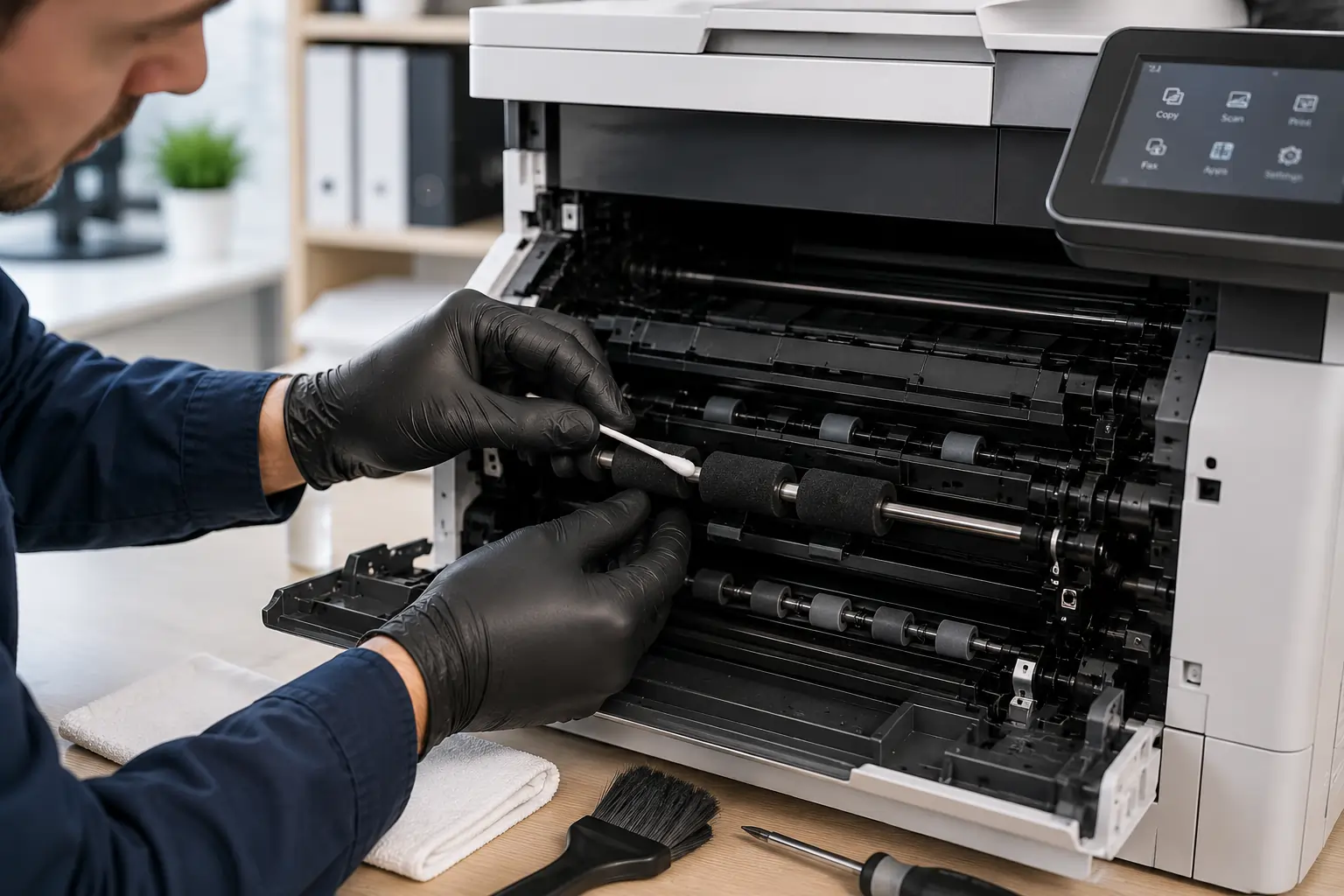
Dirty rollers may create:
- Paper jams
- Smudges
- Uneven toner transfer
Use Gentle Cleaning Methods
Lightly clean accessible rollers using:
- Soft cloths
- Manufacturer approved cleaning materials
Avoid Excess Moisture
Too much liquid may damage sensitive printer parts.
Because of this, careful roller cleaning helps improve print consistency.
Businesses looking for dependable toner cartridge solutions can explore products from Toner Connect.
Never Touch the Drum Surface Directly
The drum unit is highly sensitive.
Fingerprints Can Affect Print Quality
Touching the drum may cause:
- Streaks
- Smudges
- Print defects
Protect the Drum From Light Exposure
Long exposure to bright light may also damage drum performance.
As a result, careful drum handling is extremely important during cleaning.
Clean Printer Interior Regularly
Routine printer cleaning prevents toner buildup over time.
Focus on Common Toner Buildup Areas
Pay attention to:
- Cartridge compartments
- Paper paths
- Rollers
- Internal panels
Reduce Dust Accumulation
Cleaner printers usually:
- Print more consistently
- Experience fewer maintenance issues
- Last longer
Because of this, regular maintenance helps improve long term printer reliability.
Replace Damaged or Leaking Cartridges
Cleaning alone cannot fix every toner problem.
Some Cartridges Need Replacement
Replace cartridges showing:
- Cracks
- Severe leaks
- Broken gears
- Loose internal parts
Damaged Cartridges May Harm Printers
Continuing to use damaged cartridges may:
- Spread toner internally
- Damage rollers
- Reduce print quality
Therefore, replacing defective cartridges quickly is important.
Use High Quality Toner Cartridges
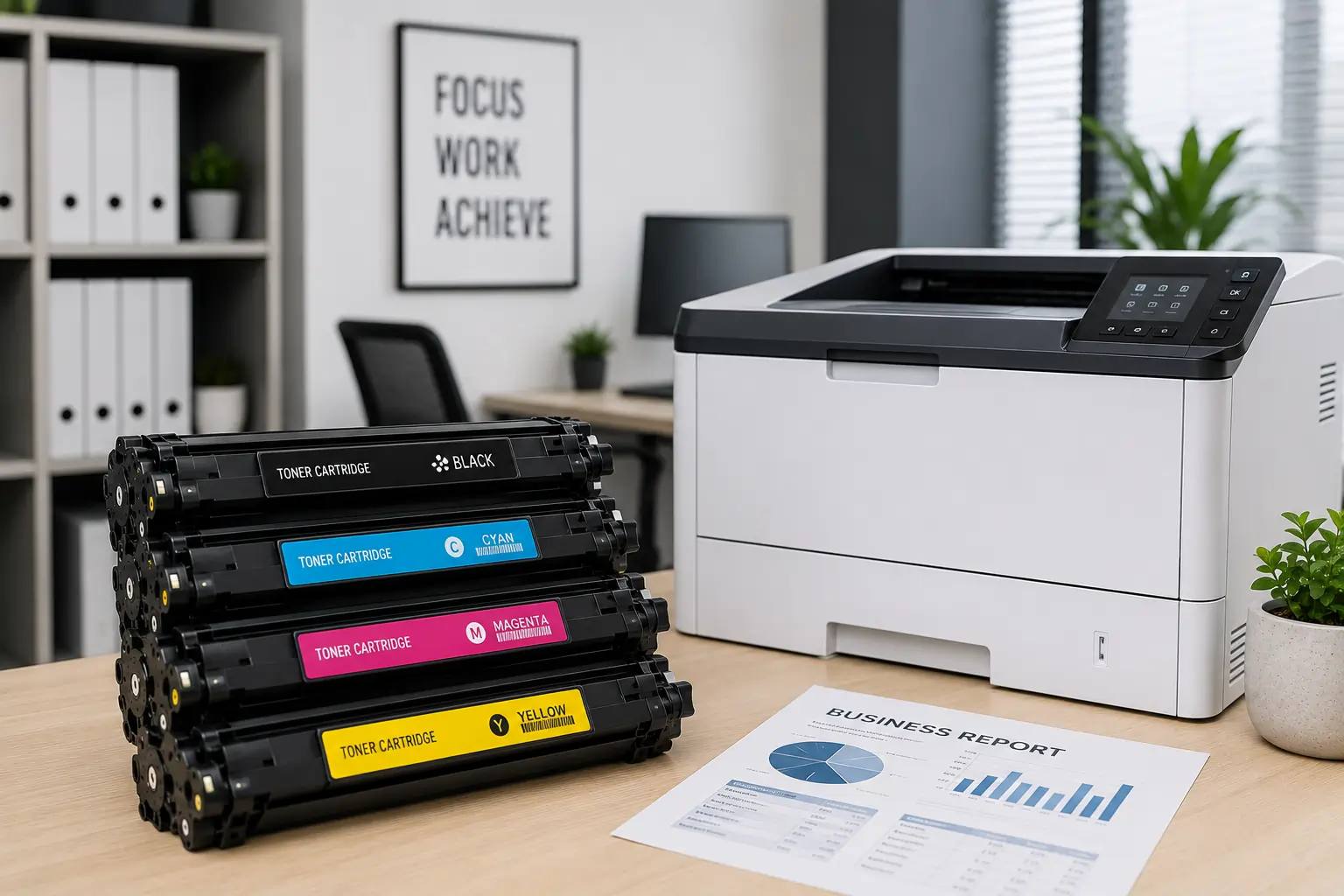
Low quality cartridges often create more cleaning problems.
Cheap Cartridges May Leak More Easily
Poor quality toner systems may produce:
- Excess toner dust
- Uneven toner flow
- Internal contamination
Reliable Cartridges Improve Printer Cleanliness
Higher quality cartridges often:
- Seal toner more effectively
- Produce cleaner printing
- Reduce maintenance needs
As a result, toner quality directly affects printer cleanliness and performance.
Avoid Common Toner Cleaning Mistakes
Some cleaning habits may actually worsen printer problems.
Using Compressed Air Incorrectly
Improper air blowing may spread toner deeper into the printer.
Using Excessive Liquid Cleaners
Too much moisture may damage electronic components.
Scrubbing Sensitive Components
Aggressive cleaning may damage:
- Rollers
- Drum surfaces
- Internal sensors
Because of this, gentle cleaning methods are always recommended.
Proper Storage Helps Reduce Cleaning Problems
Well stored toner cartridges stay cleaner and perform more reliably.
Store Cartridges Away From Heat and Humidity
Environmental exposure may affect:
- Toner consistency
- Cartridge seals
- Internal components
Keep Cartridges in Original Packaging
Original packaging helps protect cartridges from:
- Dust
- Physical damage
- Moisture
As a result, proper storage helps maintain cleaner toner performance.
Modern Printers Include Better Maintenance Features
Modern laser printers now include:
- Automatic cleaning cycles
- Toner monitoring systems
- Maintenance alerts
- Print quality calibration
These systems help reduce toner buildup and improve printing reliability.
According to HP and Canon printer support resources, regular cleaning and proper toner maintenance remain essential for maintaining cleaner printing and extending printer lifespan.
Conclusion
Proper toner cartridge cleaning helps improve print quality, reduce toner waste, and extend printer lifespan. By using safe cleaning methods, maintaining printer interiors regularly, and handling cartridges carefully, businesses and home users can solve many common print problems without expensive repairs. In addition, combining routine maintenance with high quality toner cartridges helps create cleaner, more reliable, and more efficient long term printing performance.