
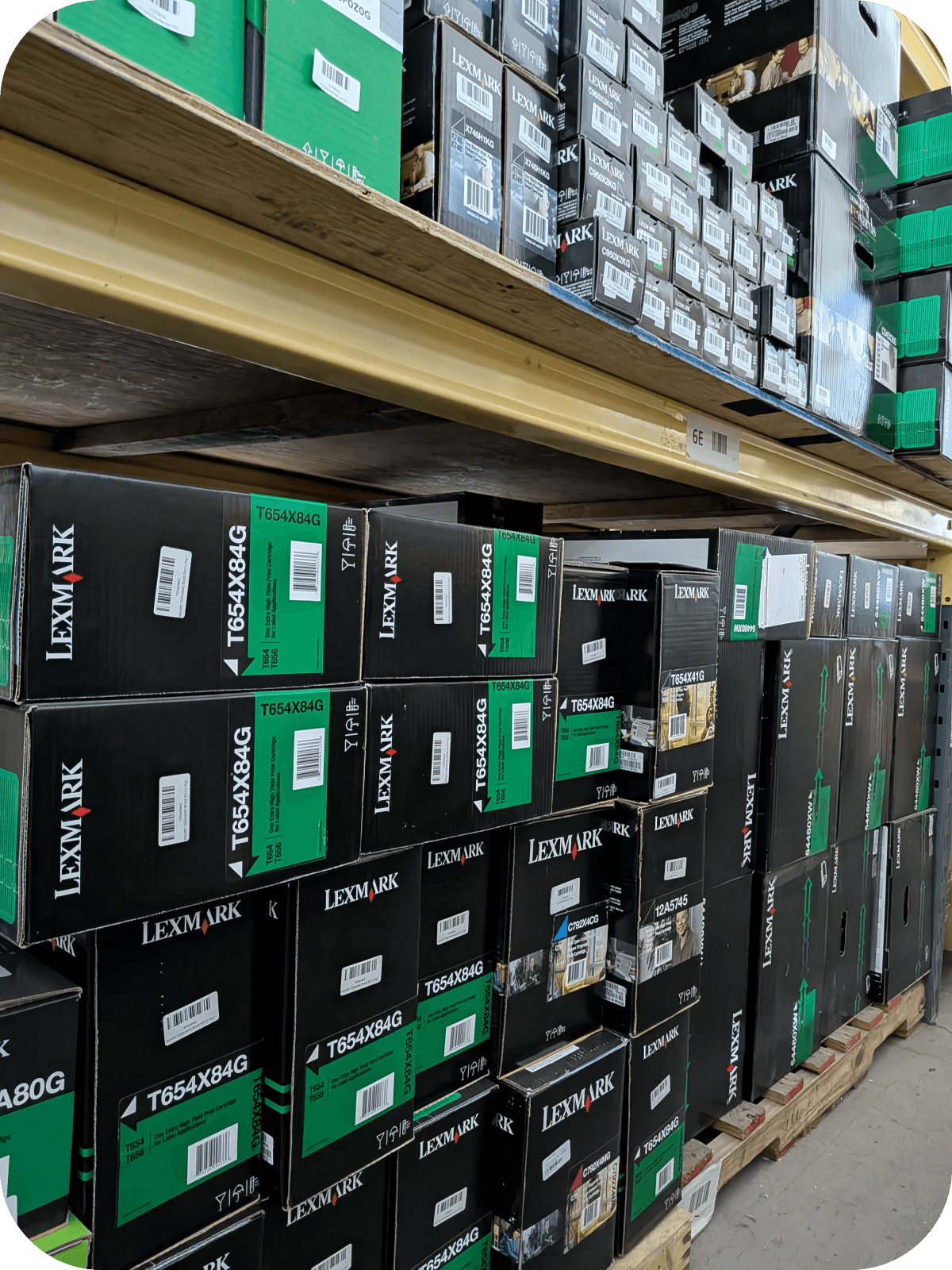
Selling Unused Toner Cartridges? Here’s the Information You Need to Provide
If you’re selling unused toner cartridges, provide the brand, exact model or part number, quantity, condition, and clear photos of the packaging. Buyers also need to know whether each cartridge is genuine OEM and factory sealed. Accurate information makes it easier to determine eligibility and provide a reliable quote.
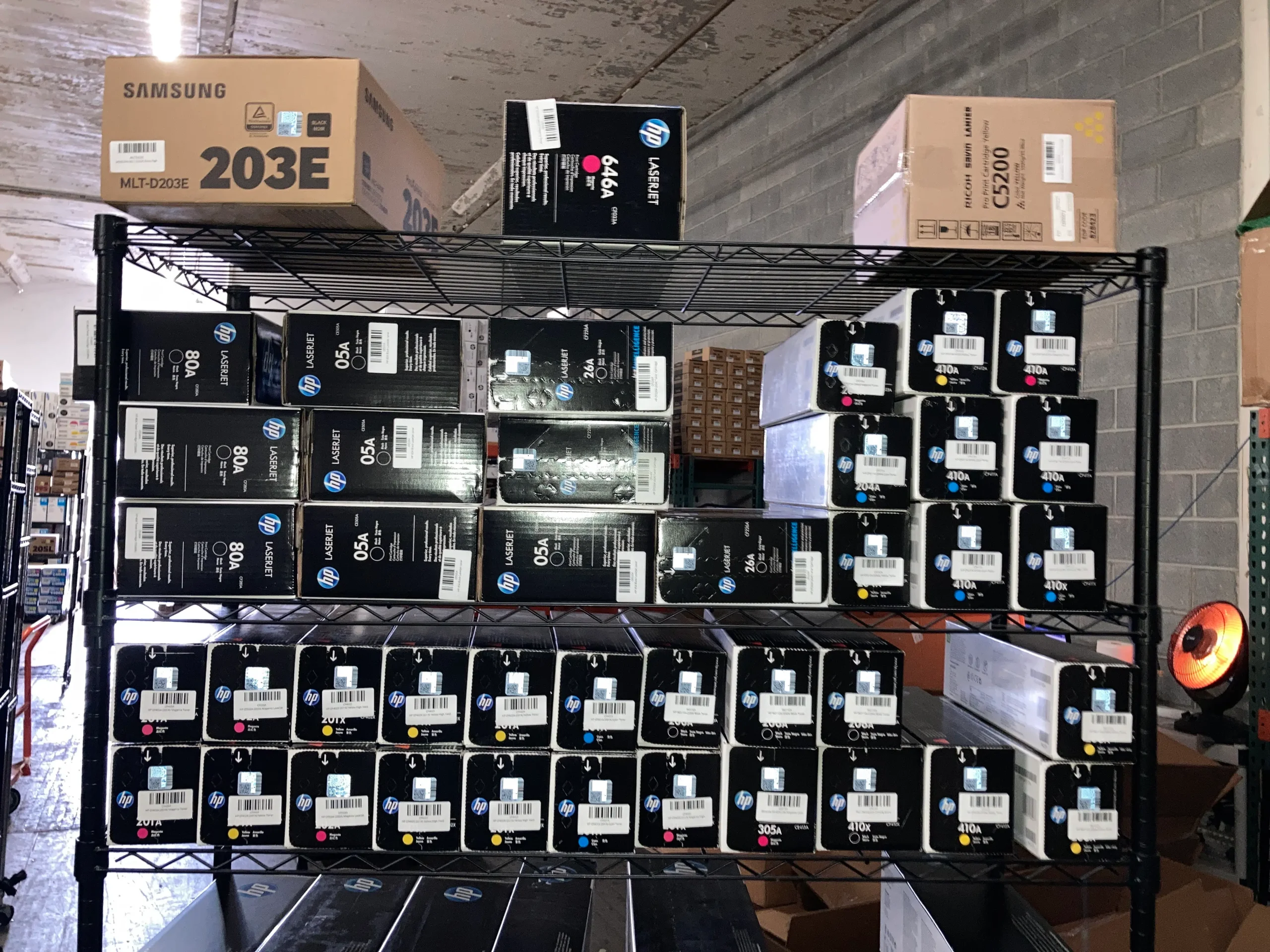
What Information Do You Need When Selling Unused Toner Cartridges?
Start with five essentials: brand, model number, quantity, OEM status, and condition.
You don’t need to create an elaborate inventory to sell unused toner cartridges. Buyers mainly need enough information to identify exactly what you have and assess its resale condition.
Your basic listing should include:
- Manufacturer or brand
- Cartridge model or part number
- Quantity of each model
- OEM, compatible, or remanufactured status
- Factory-seal status
- Box condition
- Photos when requested
- Date or warranty information when relevant
Toner Connect similarly recommends organizing an inventory by brand, model number, quantity, and condition before requesting a quote.
What Is an Unused OEM Toner Cartridge?
An unused OEM toner cartridge is made by the original printer manufacturer and has not been opened or used.
OEM stands for Original Equipment Manufacturer. An OEM toner cartridge is produced or branded by the company that makes the printer, such as HP, Canon, Brother, Xerox, or Lexmark.
This is different from:
- Compatible toner: Manufactured by a third party for use with another company’s printer.
- Remanufactured toner: A previously used cartridge that has been cleaned, rebuilt, and refilled.
- Open-box toner: A cartridge whose retail packaging or factory seal has been opened.
This distinction matters when selling. Toner Connect currently lists toner cartridges among the supplies it buys but states that it does not buy compatible/generic toner, remanufactured toner cartridges, or open-box printer cartridges.
1. Provide the Toner Cartridge Brand
Tell the buyer exactly which manufacturer produced the cartridge.
Start by recording the brand printed on each box.
Common OEM toner brands include:
- HP
- Canon
- Brother
- Xerox
- Lexmark
Don’t assume that a buyer can determine the brand from a vague description such as “black laser toner.” The manufacturer is one of the first pieces of information used to identify and value a cartridge.
2. Include the Exact Model or Part Number
The exact cartridge number is one of the most important details in a toner listing.
Two toner boxes from the same manufacturer can look almost identical while fitting completely different printers.
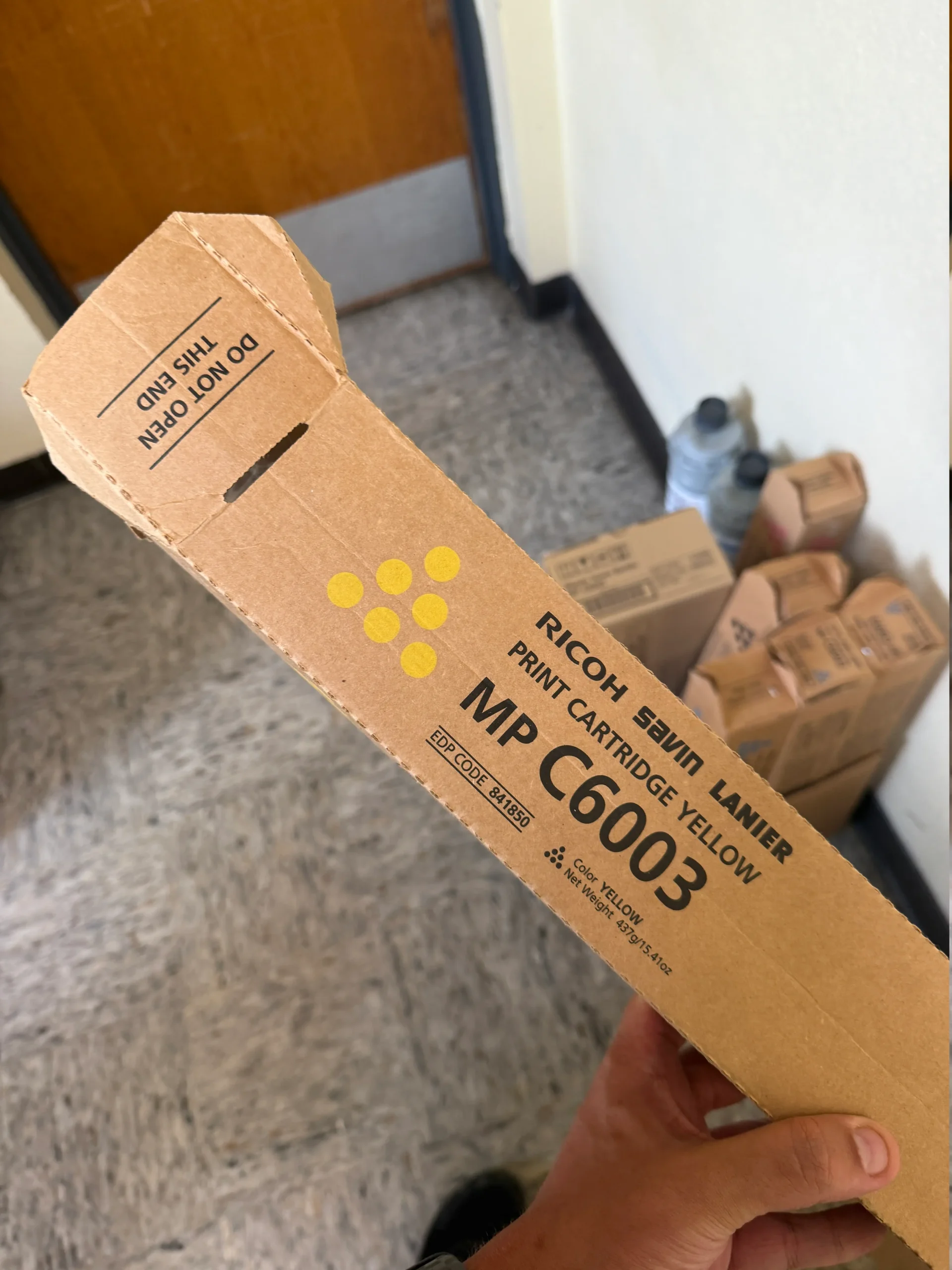
For example, HP distinguishes between a cartridge number and a more specific part number on many toner products. HP’s documentation for certain LaserJet printers lists cartridges such as 81A / CF281A and 81X / CF281X separately.
Look for identifiers such as:
- Cartridge number
- Model number
- Part number
- Product number
- Color designation
- Standard or high-yield designation
HP also advises using model or product numbers to identify products accurately rather than relying only on the product name.
Tip: Copy the number exactly as it appears on the box. One incorrect letter can identify an entirely different cartridge.
3. State How Many Cartridges You Have
Give an exact quantity for every toner model.
Quantity matters because a buyer needs to know whether you’re selling one cartridge, a complete color set, or an entire office inventory.
A simple inventory can look like this:
- HP CF281A — 4
- Canon 055 Black — 2
- Brother TN-850 — 6
- Xerox cartridge — 3
If you’re selling unused toner cartridges in bulk, group identical models together rather than listing every box separately.
Toner Connect allows sellers to submit toner information by filling out a form, sending photos, or uploading an inventory list.
4. Describe the Condition Honestly
Tell the buyer whether the cartridge is factory sealed and whether its packaging has any damage.
Condition can affect both eligibility and resale value.
Check each box for:
- Factory seals
- Tears
- Crushing
- Water damage
- Writing or labels
- Fading
- Missing packaging
- Opened flaps
Don’t describe a cartridge as “new” simply because it has never been installed. If the box has been opened, say so.
Toner Connect notes that unopened OEM toner in good condition may be eligible for resale, while opened or damaged cartridges can have little or no resale value.
5. Confirm Whether the Toner Is OEM
Buyers need to know whether the cartridge is genuine OEM, compatible, or remanufactured.
Check the manufacturer’s branding and original packaging.
If you aren’t sure whether a cartridge is genuine, don’t guess. Take clear photographs of:
- Front of the box
- Back of the box
- Product label
- Model number
- Manufacturer markings
- Factory seals
For HP products, cartridge numbers are printed on the cartridge, and HP provides cartridge-lookup tools to help users verify compatibility.
6. Include Clear Photos of Your Toner
Good photos help buyers verify models, quantities, packaging, and condition.
Photos are particularly useful when you’re selling multiple cartridge models or aren’t certain which product numbers to enter.
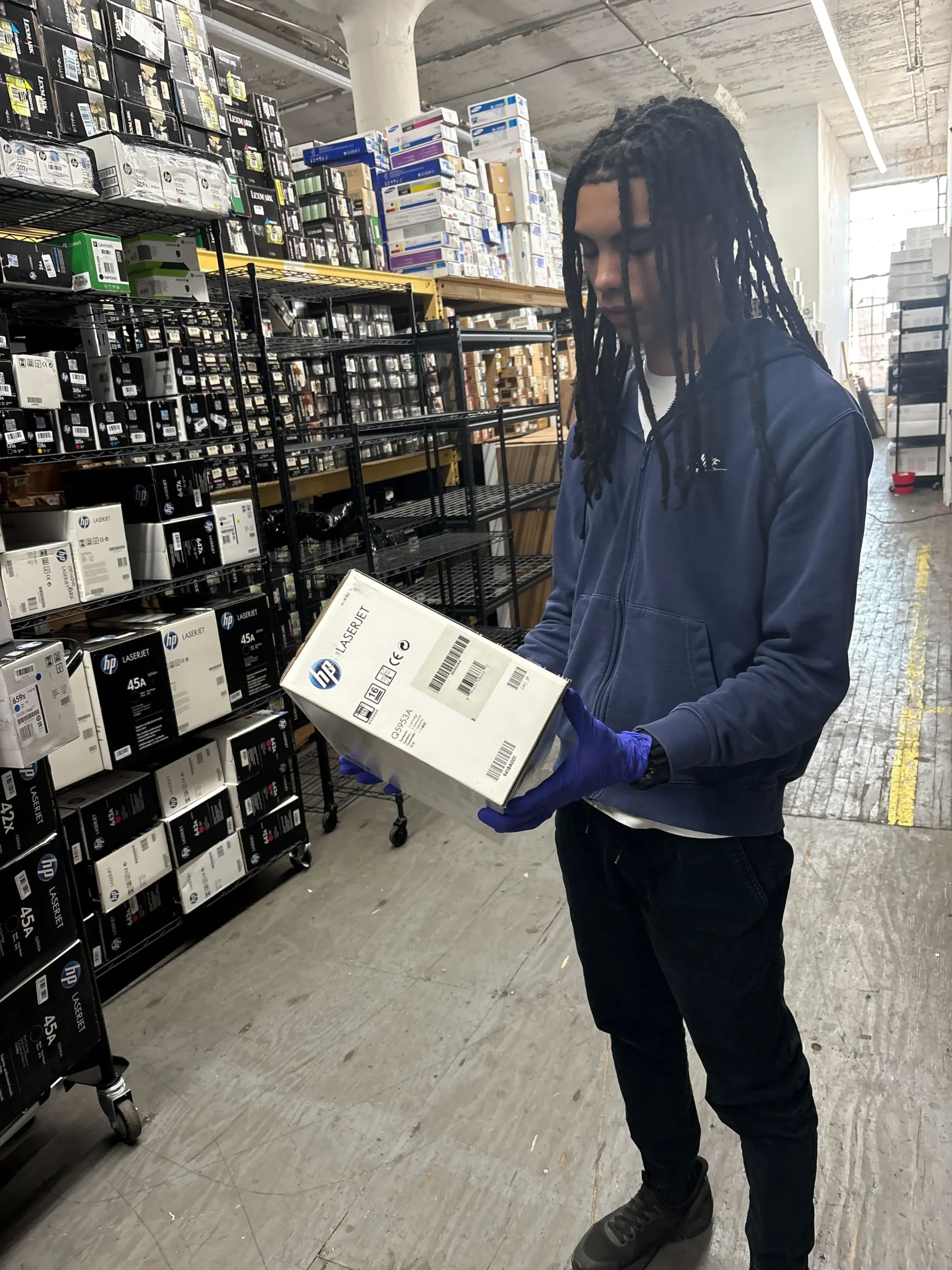
Take pictures in good lighting and make sure labels are readable.
Useful photos include:
- Full front of the box
- Model or part-number label
- Factory seal
- Any damaged areas
- Group photo showing quantity
Avoid blurry images or photos where labels are covered.
Toner Connect specifically provides a “Snap a photo” option as one of its methods for submitting toner for evaluation.
7. Check Dates and Packaging Details
If the box displays relevant date information, include it rather than hiding or ignoring it.
Some toner packaging may display manufacturing, warranty, or other date-related information. Its significance varies by brand and cartridge.
For example, HP’s cartridge lookup documentation references checking the warranty-end date on the back of certain cartridge boxes when determining cartridge compatibility.
If a buyer requests date information, photograph the printed date rather than estimating the cartridge’s age.
How to Create a Simple Toner Inventory List?
A spreadsheet with one row per cartridge model is usually enough.
You don’t need specialized software. A basic spreadsheet can make a large toner inventory much easier to evaluate.
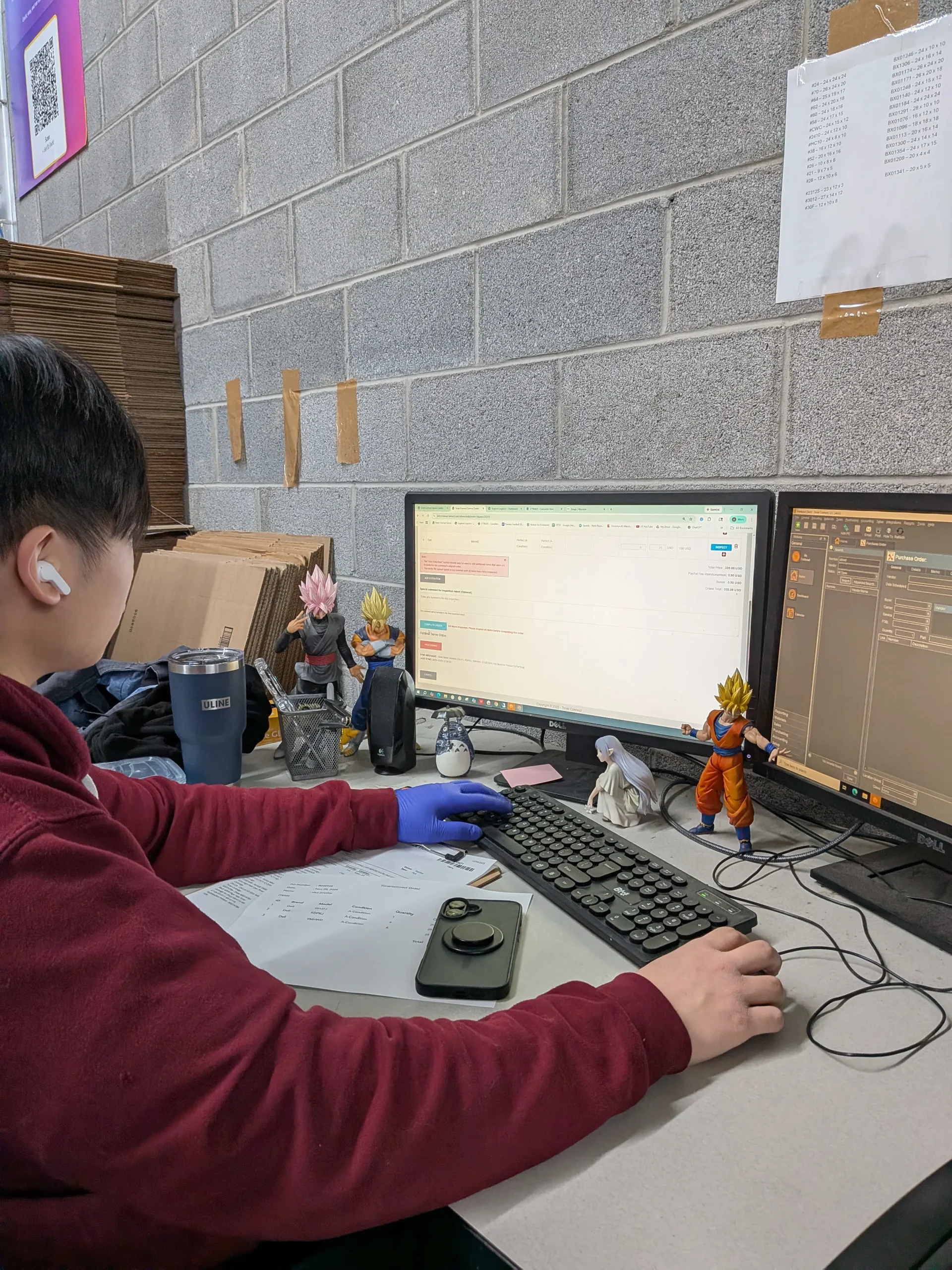
Use columns such as:
Brand | Model/Part Number | Color | Quantity | OEM | Factory Sealed | Box Condition
For example:
HP | CF281X | Black | 5 | Yes | Yes | Good
For larger inventories, this structure prevents duplicate entries and reduces errors.
Toner Connect recommends creating an inventory before requesting a quote, particularly when selling multiple cartridges.
What Information Can Affect the Value of Unused Toner?
Brand, model, demand, quantity, and condition can all influence an offer.
Not every unopened toner cartridge has the same resale value.
Buyers may consider:
- Current market demand
- Printer model popularity
- OEM status
- Cartridge condition
- Packaging condition
- Quantity available
- Age or relevant date information
A discontinued cartridge isn’t automatically valuable simply because it’s rare. Resale value ultimately depends on whether there is demand for that specific supply.
Toner Connect’s selling guide notes that buyers review factors including brand, model, market demand, quantity, and condition when evaluating an inventory.
How Does Selling Unused Toner Through Toner Connect Work?
Prepare your inventory, submit it for evaluation, review the offer, and follow the shipping instructions for accepted cartridges.
Toner Connect offers three ways to start: complete a form, submit photos, or upload an inventory list.
A typical process involves:
- Inventorying your unused toner.
- Submitting cartridge information.
- Receiving a quote for eligible products.
- Shipping approved cartridges.
- Having the shipment inspected.
- Receiving payment according to the agreed terms.
For a deeper walkthrough, see Toner Connect’s First Time Selling Toners guide and its guide to selling unopened OEM toner cartridges.
Why Sell Usable Toner Instead of Throwing It Away?
Keeping a usable product in circulation can recover value while avoiding unnecessary disposal.
The environmental context is significant. According to the Global E-waste Monitor 2024, the world generated 62 billion kilograms (62 million metric tons) of e-waste in 2022, and only 22.3% was documented as formally collected and recycled.
Those figures cover electronic waste broadly rather than toner cartridges specifically, so they shouldn’t be presented as toner-waste statistics.
The broader principle is still relevant: the U.S. Environmental Protection Agency’s waste-management hierarchy prioritizes source reduction and reuse above recycling.
If a sealed toner cartridge remains usable and has a resale market, finding another user can therefore be preferable to treating it immediately as waste.
Common Mistakes When Selling Unused Toner Cartridges
Incomplete model numbers, inaccurate condition descriptions, and poor photos can slow down the quoting process.
Avoid these common mistakes:
- Listing only the printer model
- Forgetting cartridge quantities
- Calling compatible toner OEM
- Hiding damaged packaging
- Sending unreadable photographs
- Guessing part numbers
- Opening sealed boxes to inspect the cartridge
- Shipping toner before receiving instructions
Accuracy matters more than creating a fancy listing.
Frequently Asked Questions About Selling Unused Toner Cartridges
Most sellers need to verify whether their cartridges are OEM, sealed, correctly identified, and in acceptable condition.
Do I need photos to sell unused toner cartridges?
Photos aren’t always the only submission method, but they can make verification easier.
Toner Connect accepts photo submissions as well as forms and inventory lists. Clear images can be particularly useful for showing model numbers and packaging condition.
Can I sell an opened toner cartridge?
Toner Connect states that it does not buy open-box printer cartridges.
Other marketplaces may have different rules, but factory-sealed OEM cartridges generally have stronger resale potential.
Do I need the printer model?
The cartridge’s exact model or part number is usually more useful for identifying the supply.
Providing the printer model can be helpful, but don’t substitute it for the cartridge number.
Can I sell compatible or remanufactured toner?
It depends on the buyer, but Toner Connect currently says it does not purchase compatible/generic or remanufactured toner cartridges.
Can businesses sell toner in bulk?
Yes. Creating an inventory list makes large quantities easier to evaluate.
Group identical cartridges together and clearly record their quantities and conditions.
Conclusion: Be Accurate When Selling Unused Toner Cartridges
Accurate identification and honest condition information make the selling process much easier.
When selling unused toner cartridges, start with the basics: brand, exact model or part number, quantity, OEM status, factory-seal status, and packaging condition. Add clear photos when needed and disclose damage rather than leaving buyers to discover it later.
A little organization can make the quote process faster and reduce mistakes. If you have factory-sealed OEM cartridges sitting unused, Toner Connect provides several ways to submit your inventory and find out whether those cartridges are eligible for resale.